

1
Step 1: Log in to the Portal
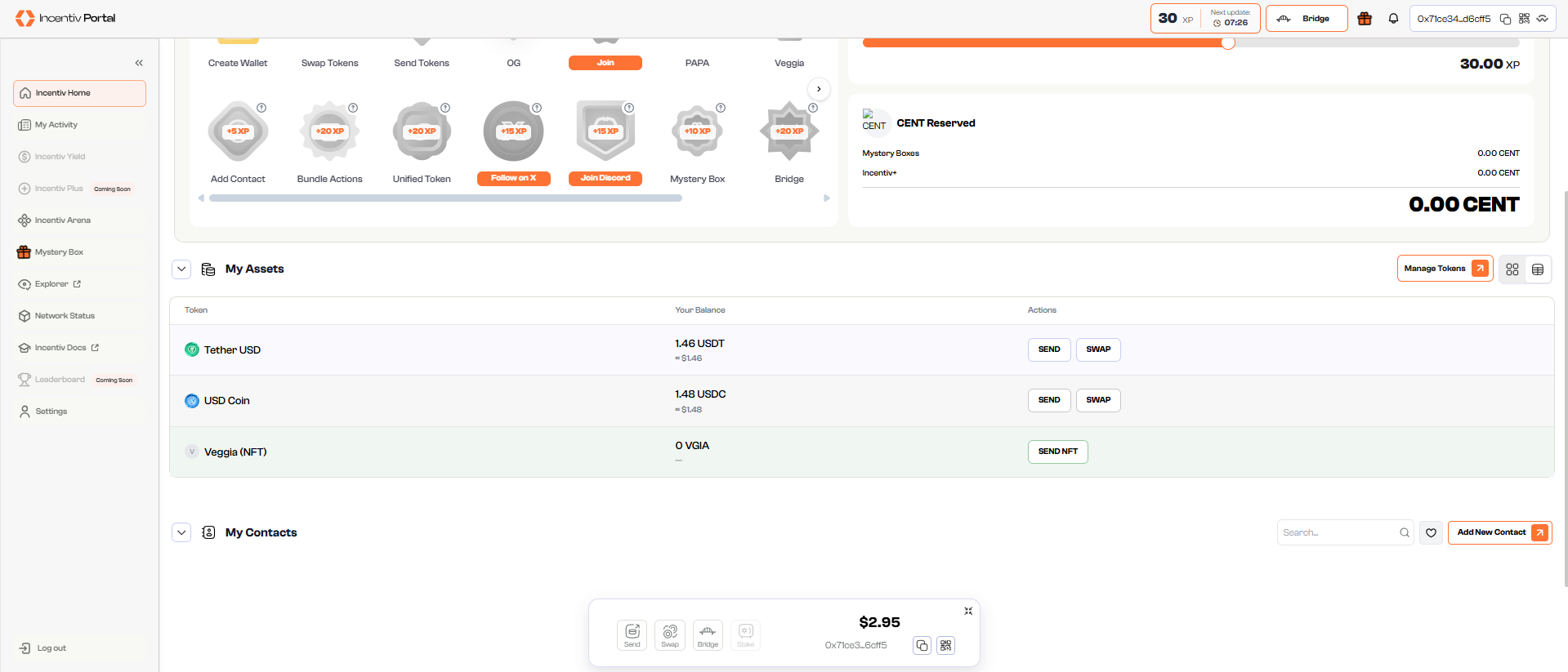
- Open portal.incentiv.io in your browser. 2. Log in to your Incentiv account using MetaMask or Passkey. 3. Navigate to the Manage Assets section of the dashboard.
2
Step 2: Open Manage Tokens
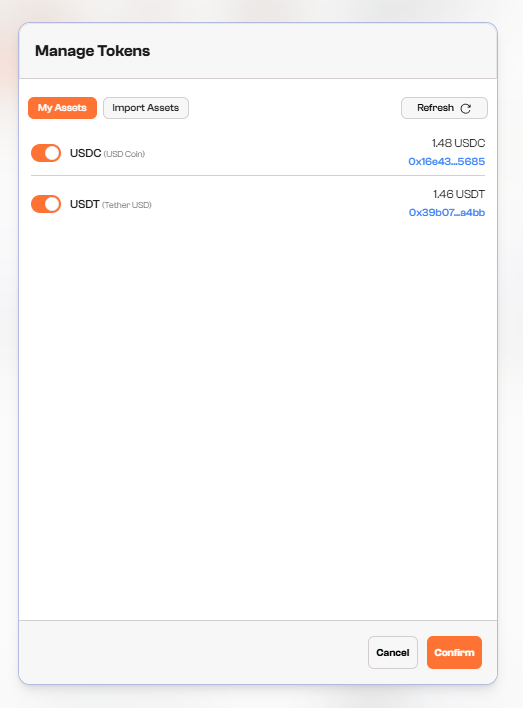
- Click the Manage Tokens button to open the panel.
- View all tokens currently enabled in your wallet under the My Assets tab.
3
Step 3: Import or Enable Tokens
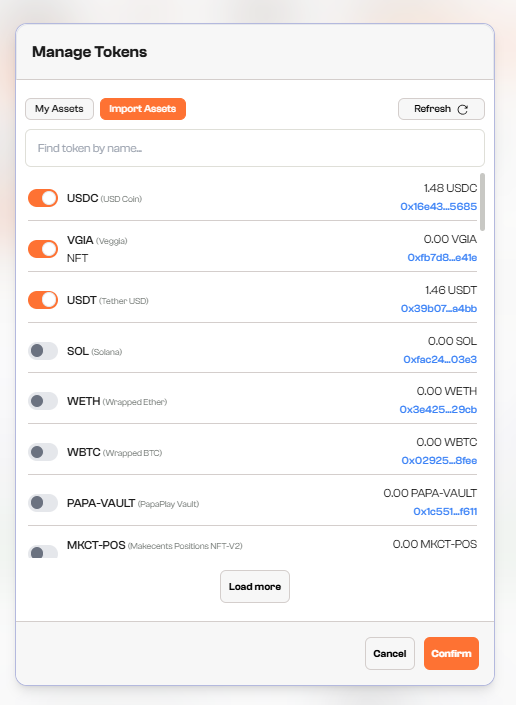
- Switch to the Import Assets tab.
- Browse the list of available tokens.
- Use the toggle next to a token to turn it on or off.
- Enabled tokens will appear in your My Assets wallet view.