Badge Tiers
Each successful send transaction earns you Bonus XP and progresses your Send Badge Tier. The more transactions you complete, the higher your tier and rewards.XP is automatically credited after transaction confirmation.
1
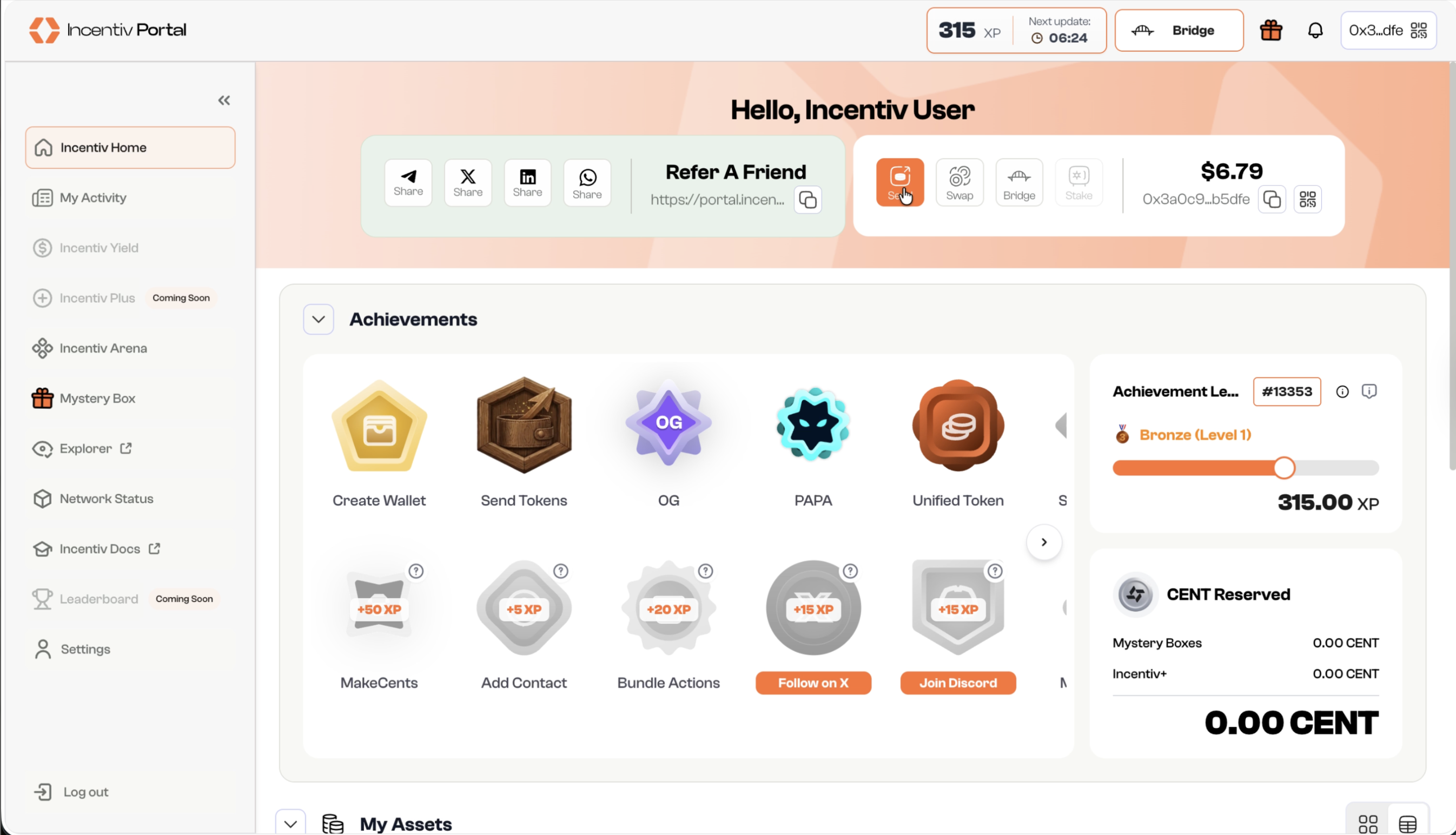
Step 1: Navigate and Click the Send button
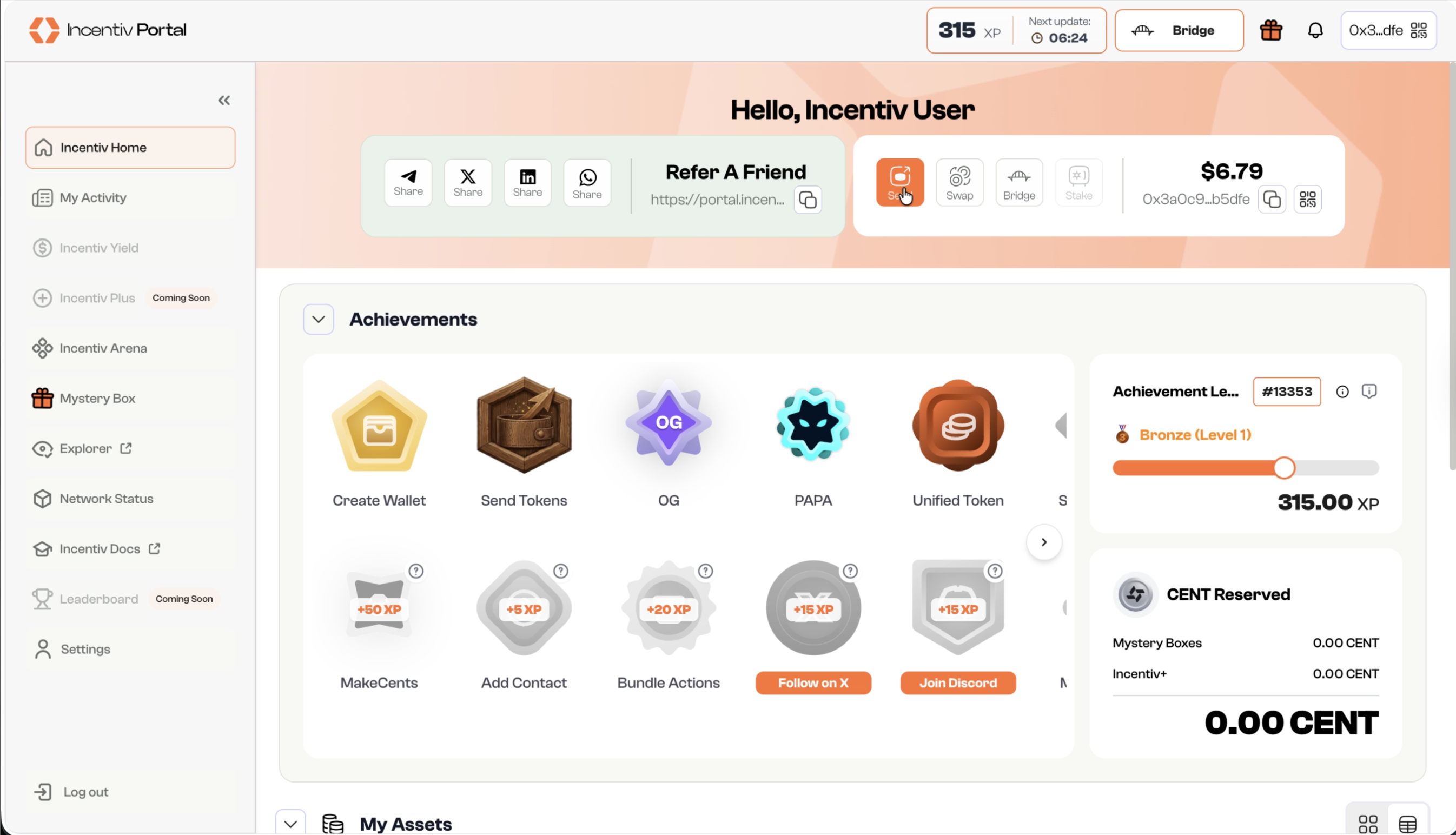
- Locate the “Send” button in the panel beside your username or the pop-up menu.
- Click “Send” to initiate the transfer.
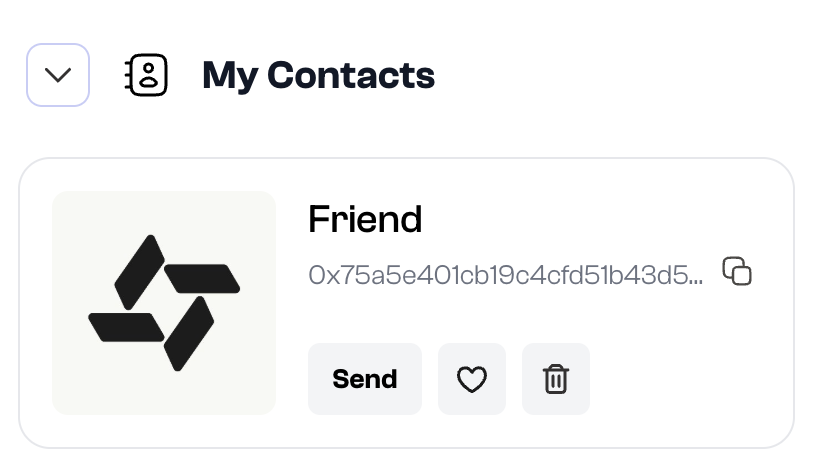
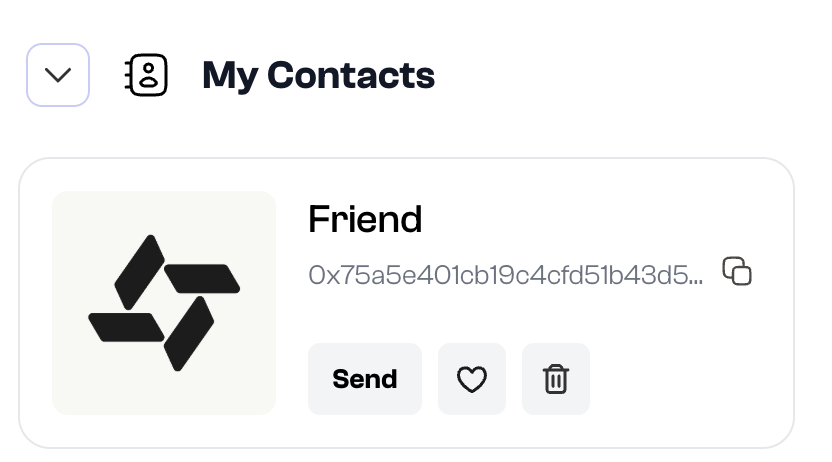
- Navigate to “My Contacts” section in the Incentiv Portal.
- Select the desired contact you wish to send assets to and click “Send“
2
Step 2: Fill Amount and Recipient Address
- Enter the amount of tokens you want to send.
- Input the recipient’s wallet address or select a contact from your list.
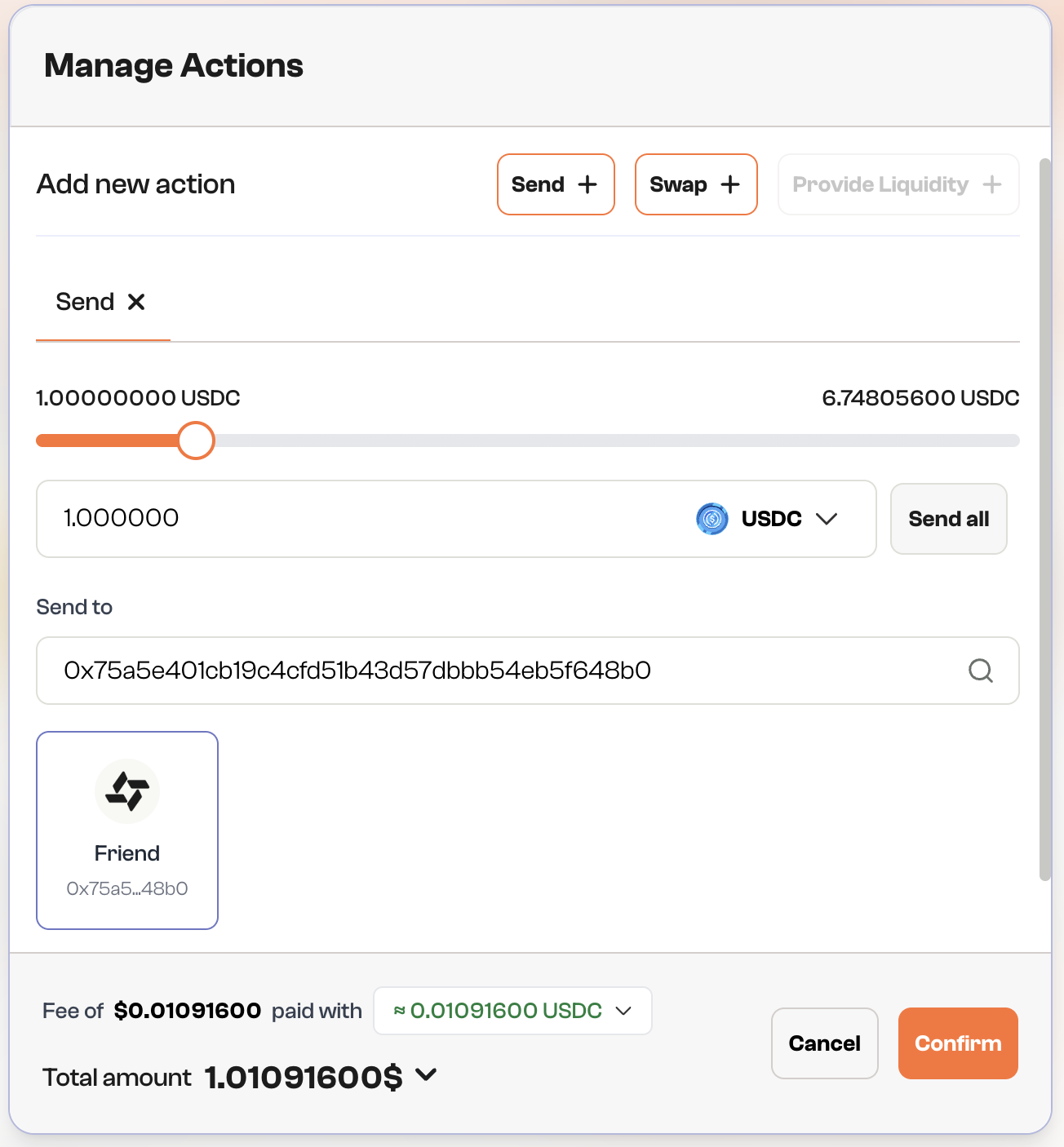
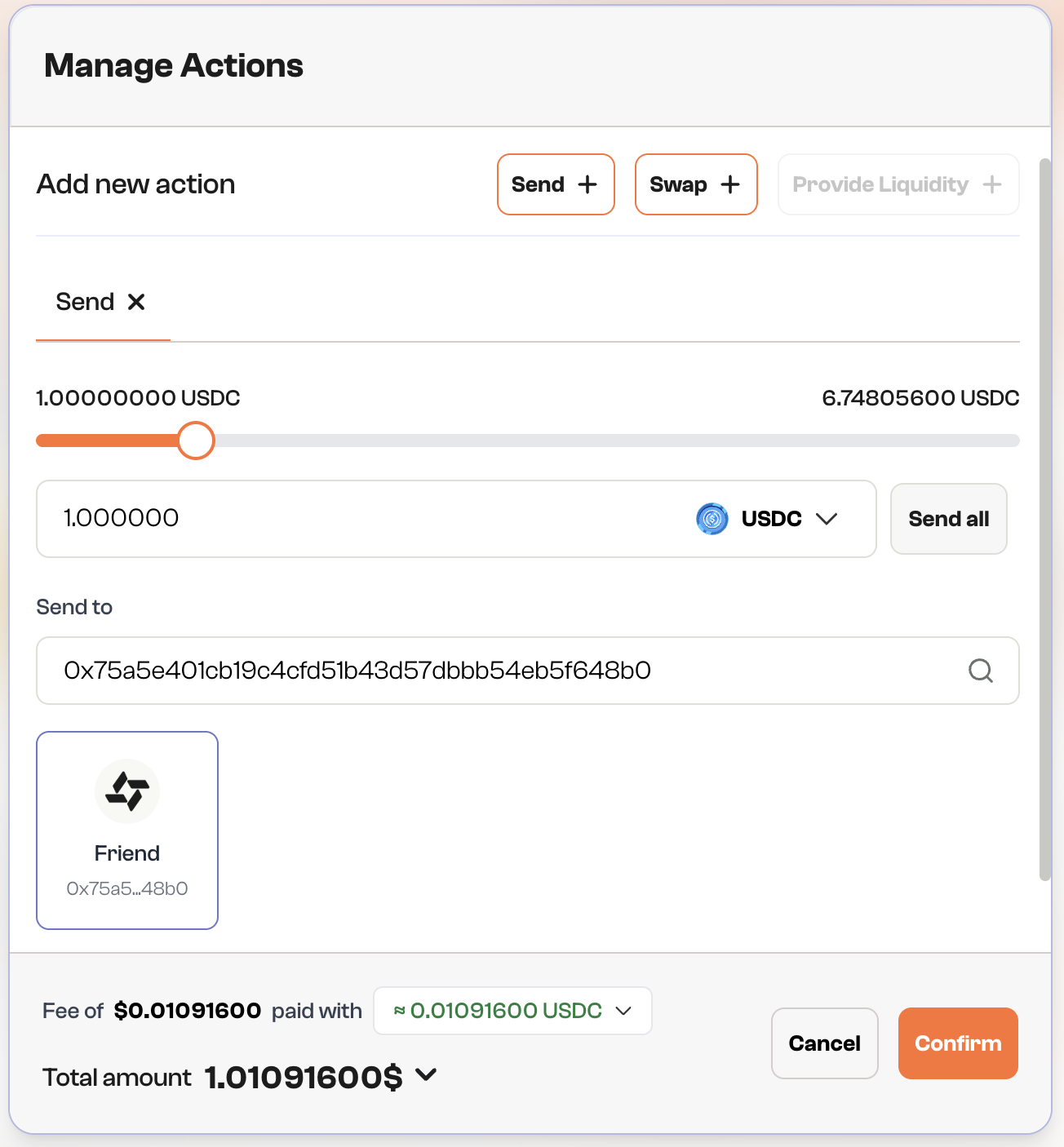
Fun Fact: You can select a contact from this page
3
Step 3: Review & Confirm
- Verify transaction details: recipient address, amount, and gas fees.
- Click “Confirm” to proceed.
4
Step 4: Validation
- A prompt will appear asking you to verify your identity using biometric authentication (e.g., Touch ID or Face ID).
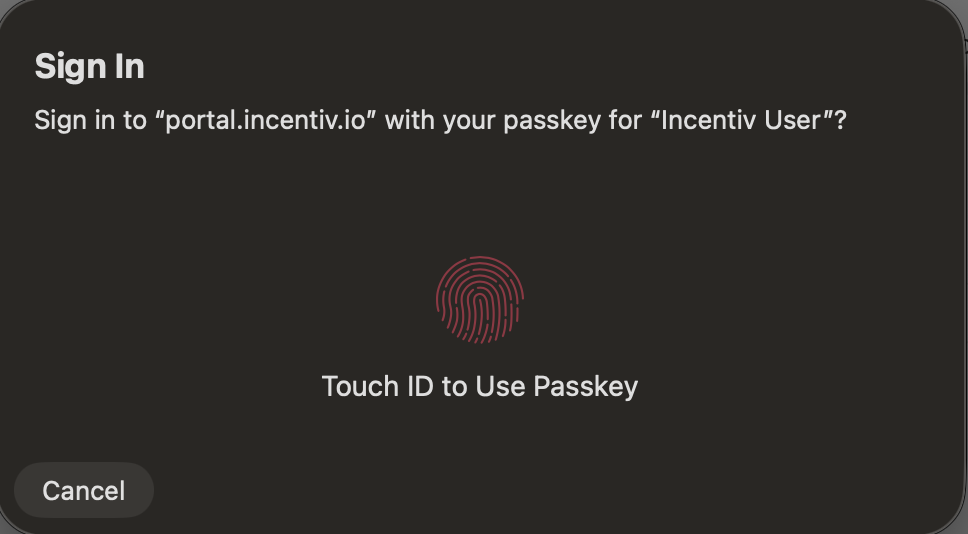
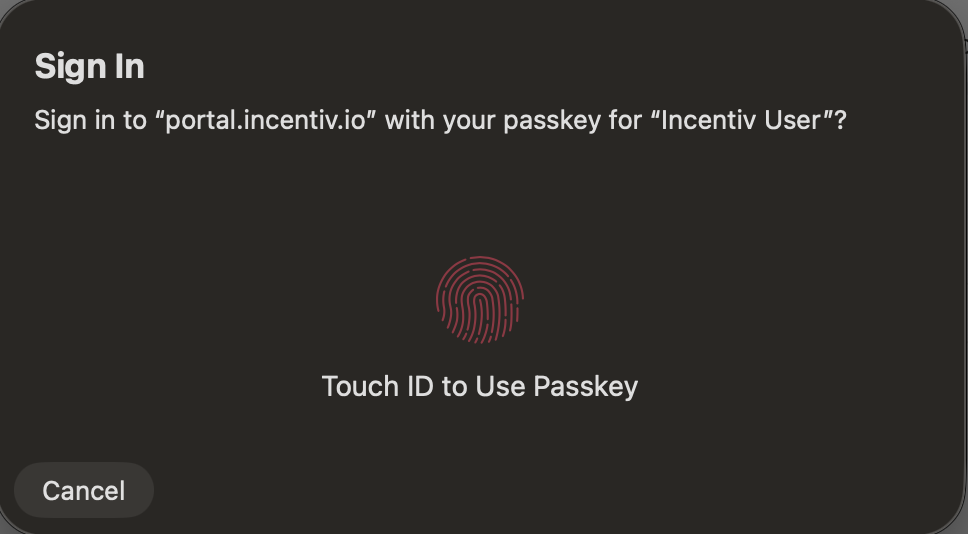
- Confirm with biometrics or select Use a different passkey.
- You can select “Cancel” to abort the transaction.
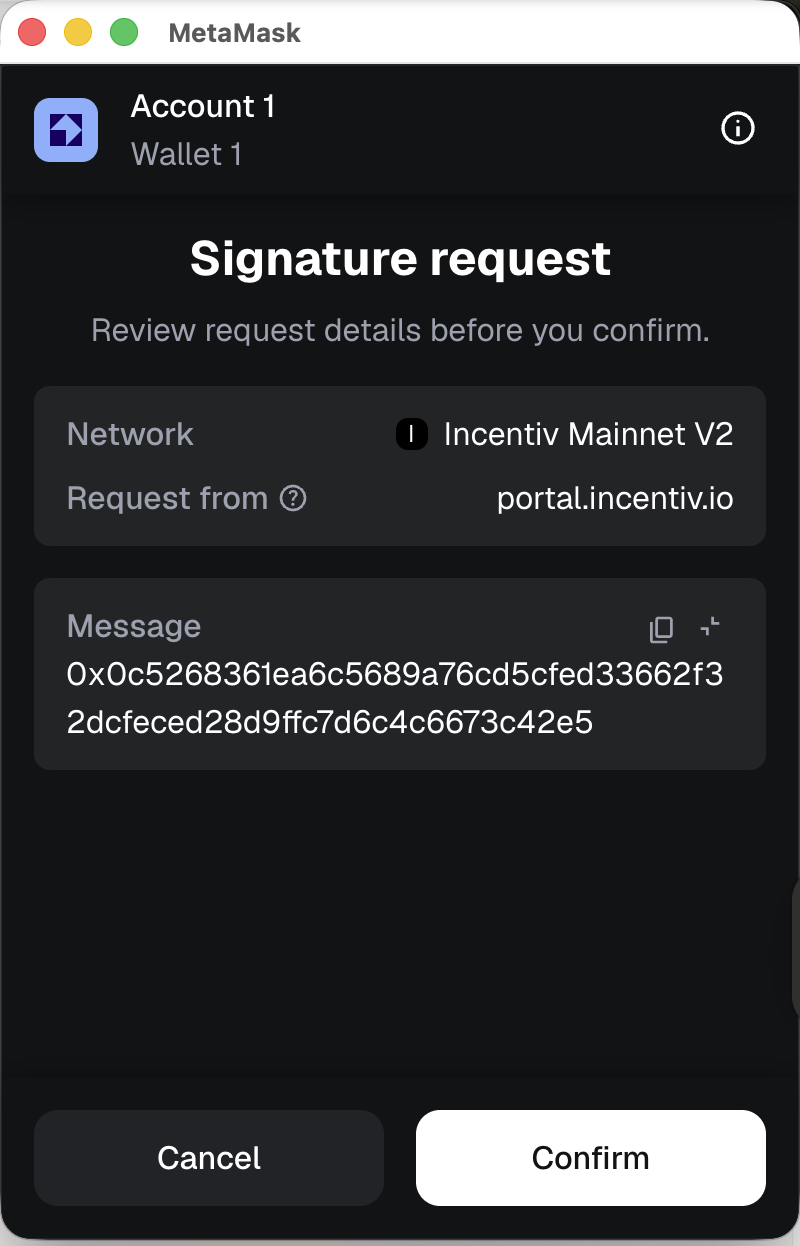
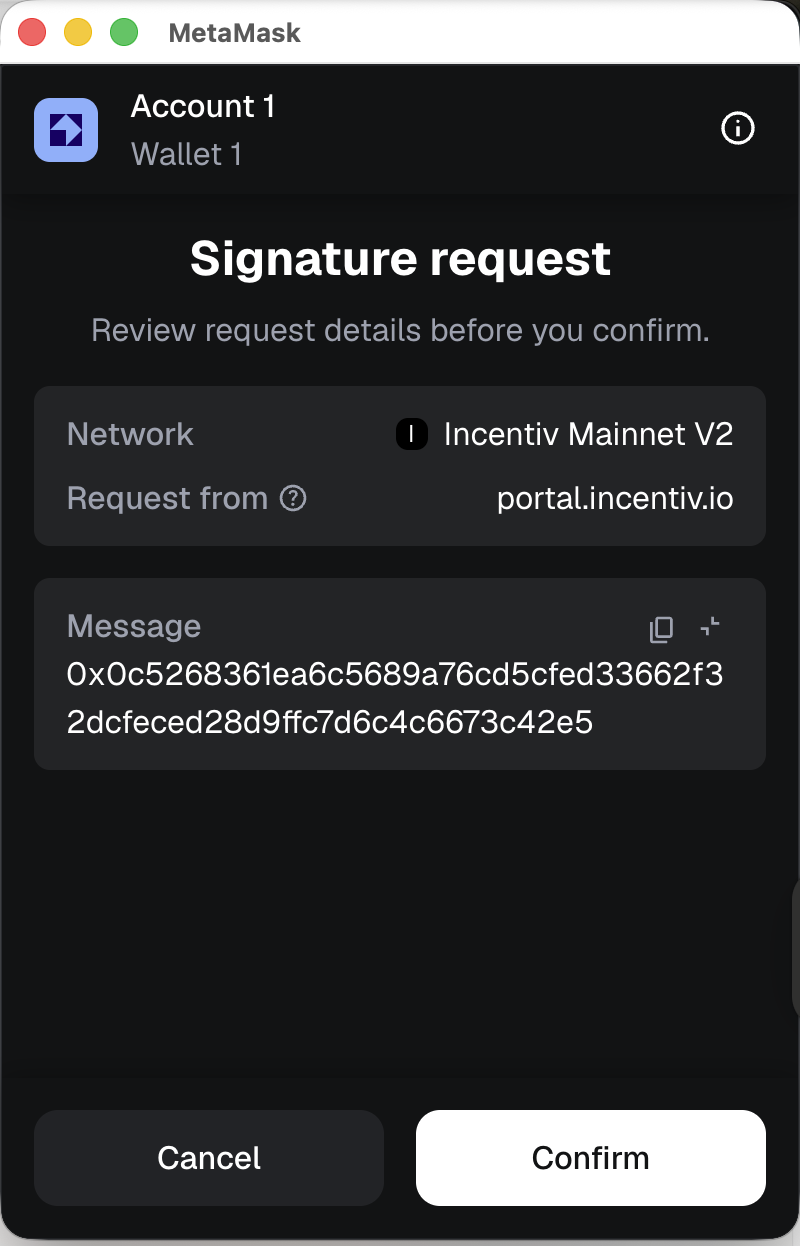
- A prompt will appear from your registered external wallet extension (Metamask or Wallet Connect) to verify the transaction
- Check the details and sign the transaction from the extension
5
Step 5: Transaction Confirmation
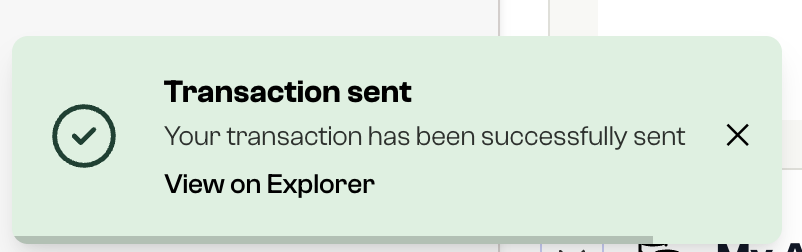
- You’ll receive a notification once the transaction is confirmed.
- The recipient’s wallet will show the updated balance, and the transaction will appear in your Transaction History.
-
You automatically earn XP and progress toward the next Send Badge Tier.