

Table of Contents
Add a New Contact
1
Step 1: Access the My Contacts Section
Click on “Add New Contact” to begin the process.
2
Step 2: Enter Contact Details
Contact name: Enter the contact name you want to add.Wallet Address: Enter the wallet address of the contact you want to add.Optional Details: You can add a profile picture, to personalize the contact.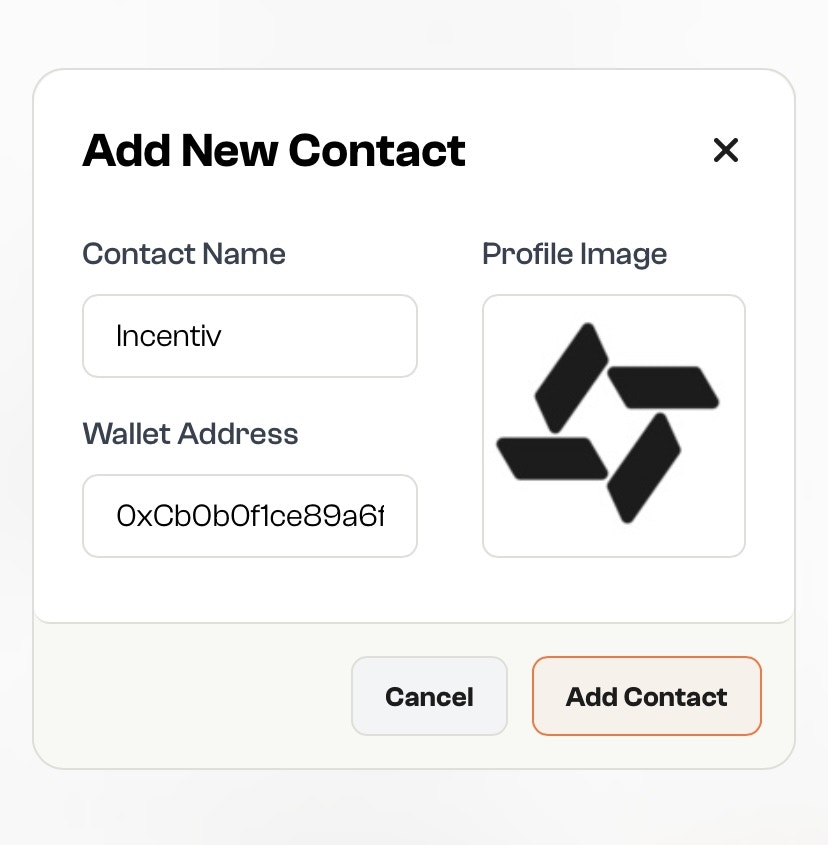
Fun Fact: You can upload any photo from your computer as their profile image!
3
Step 3: Save the Contact
Click “Add Contact” to add the contact to your list.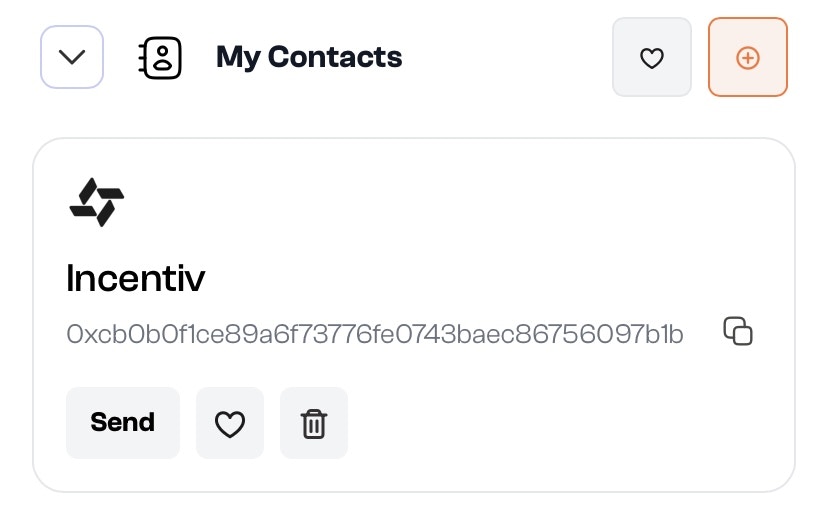
Delete a Contact
1
Step 1: Open the Contact List
Navigate to your Contacts section where all saved contacts are shown.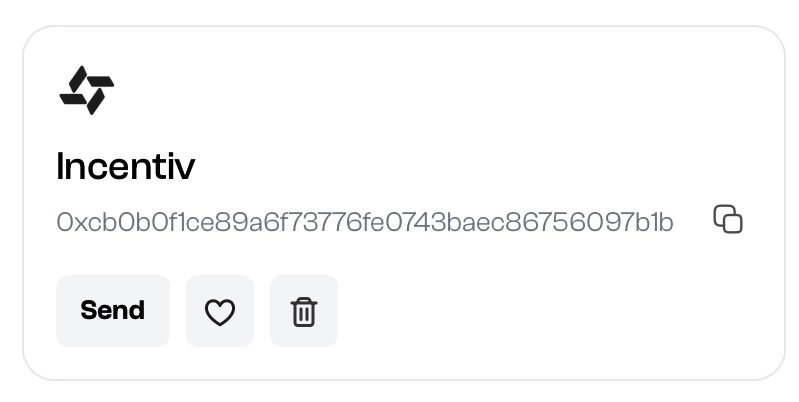
2
Step 2: Click the Trash Icon
Click the trash icon next to the contact you want to delete.
3
Step 3: Confirm Deletion
Confirm the action to permanently remove the contact from your list.This action cannot be undone.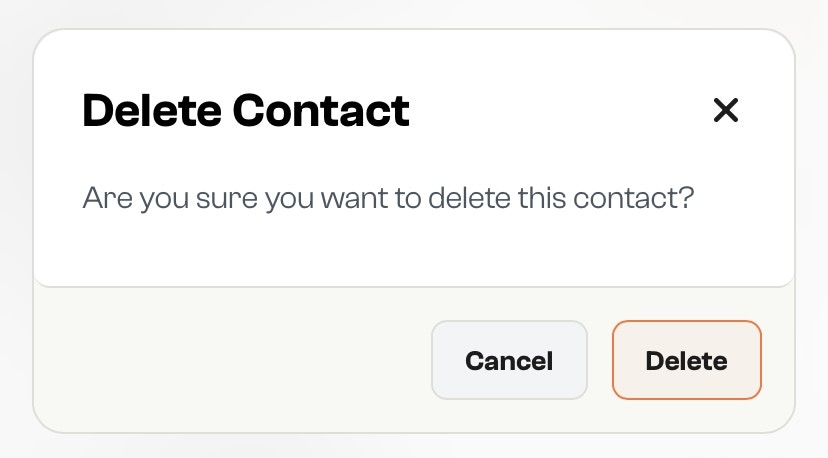
Favorite a Contact
1
Step 1: Open the Contact List
Go to your Contacts section where all saved entries are displayed.
2
Step 2: Tap the Heart Icon
Find the contact you want to favorite and click the heart icon beside their name.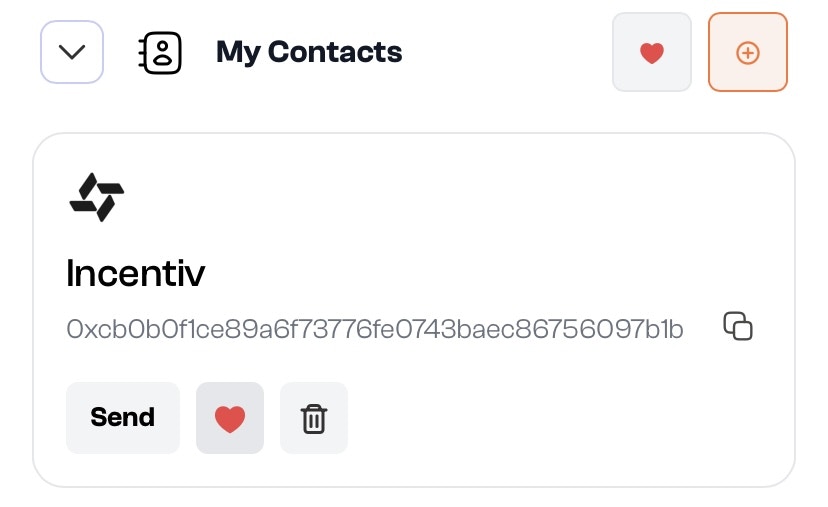
3
Step 3: View Favorites Easily
Favorited contacts are now pinned or prioritized in your list for quick access during transactions.