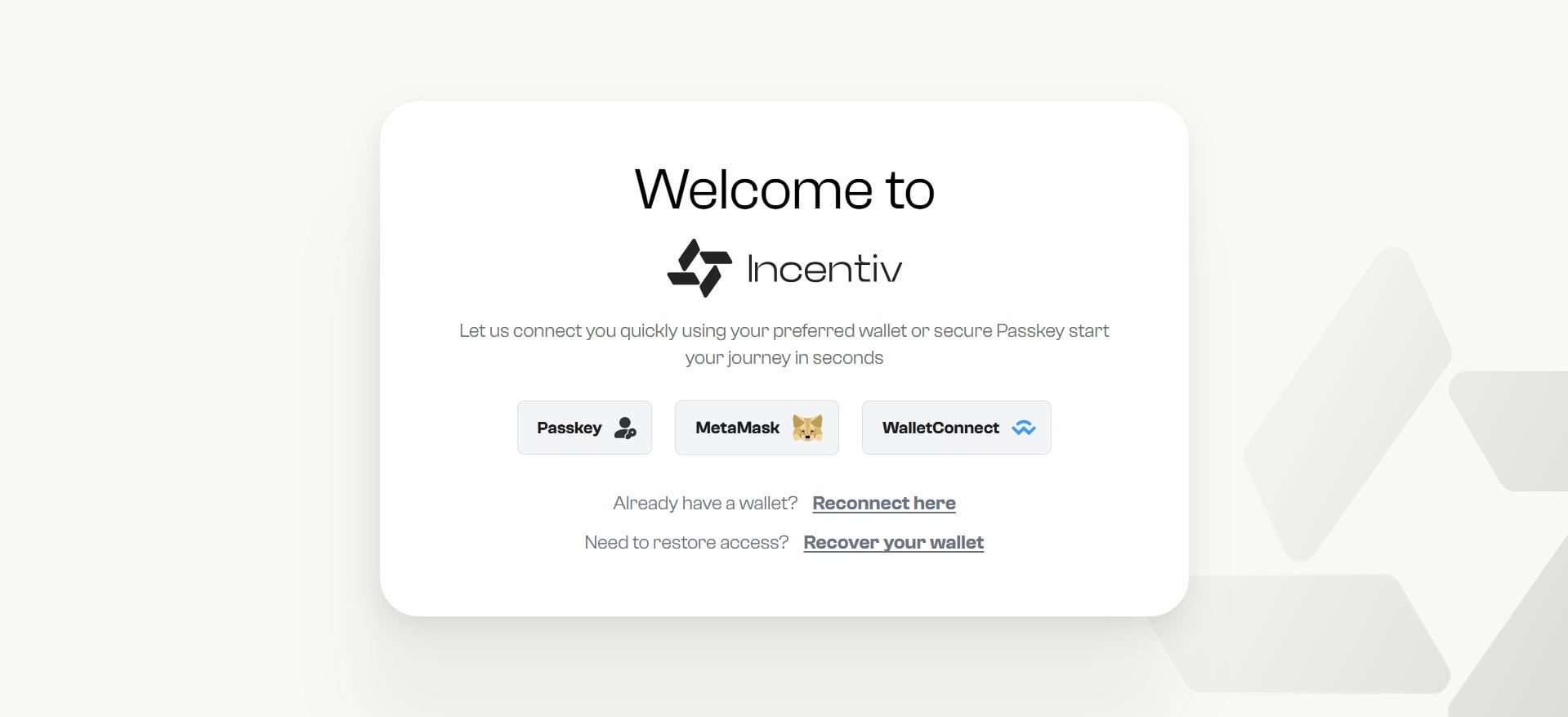
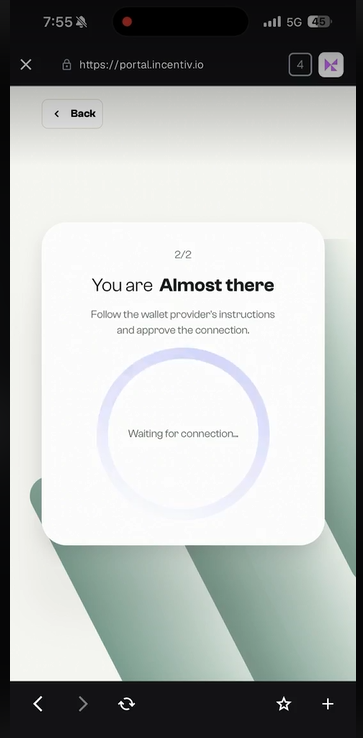
- Connect using Passkey
- Connect using MetaMask
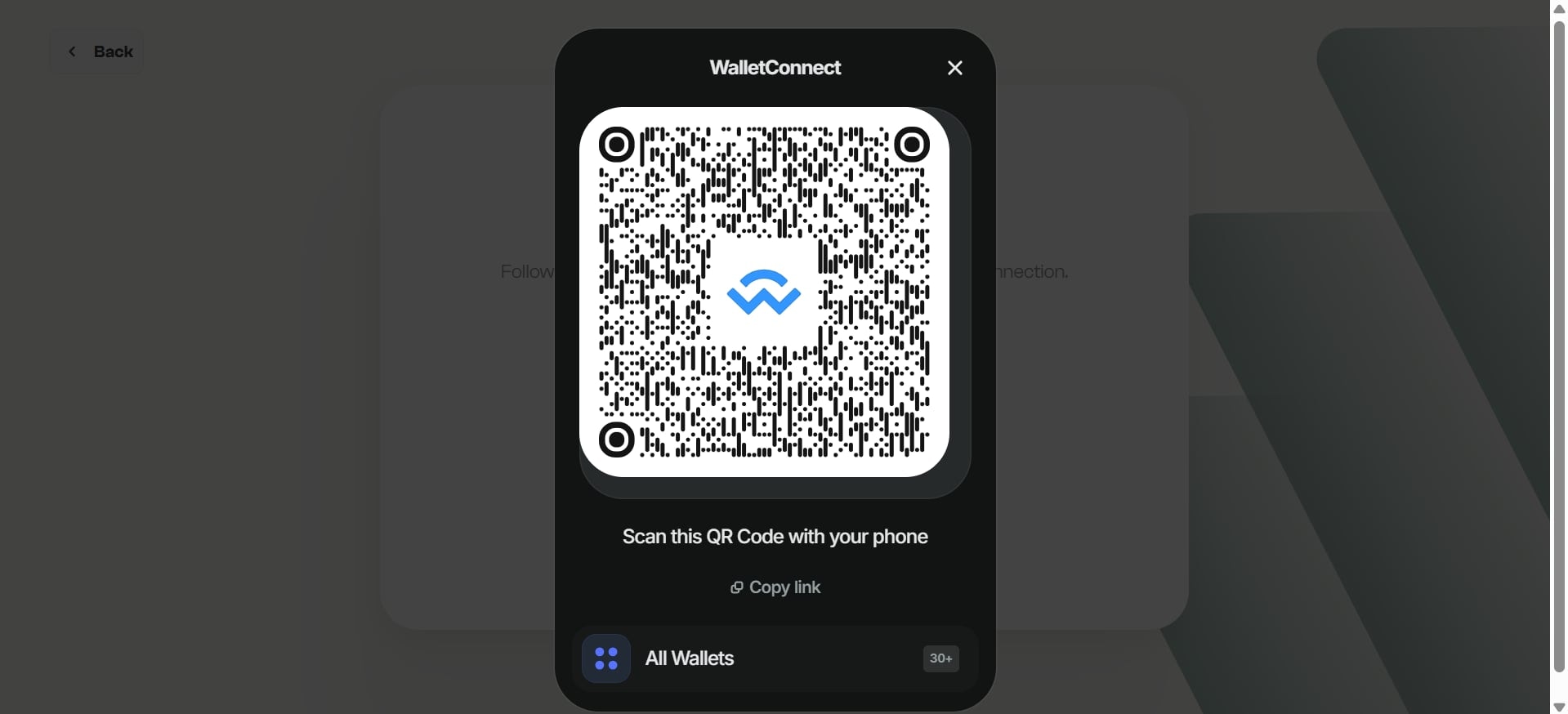
- Connect using WalletConnect
Create a secure, passwordless Incentiv Smart Wallet using your device’s built-in security.Everything starts at the Incentiv Portal
1
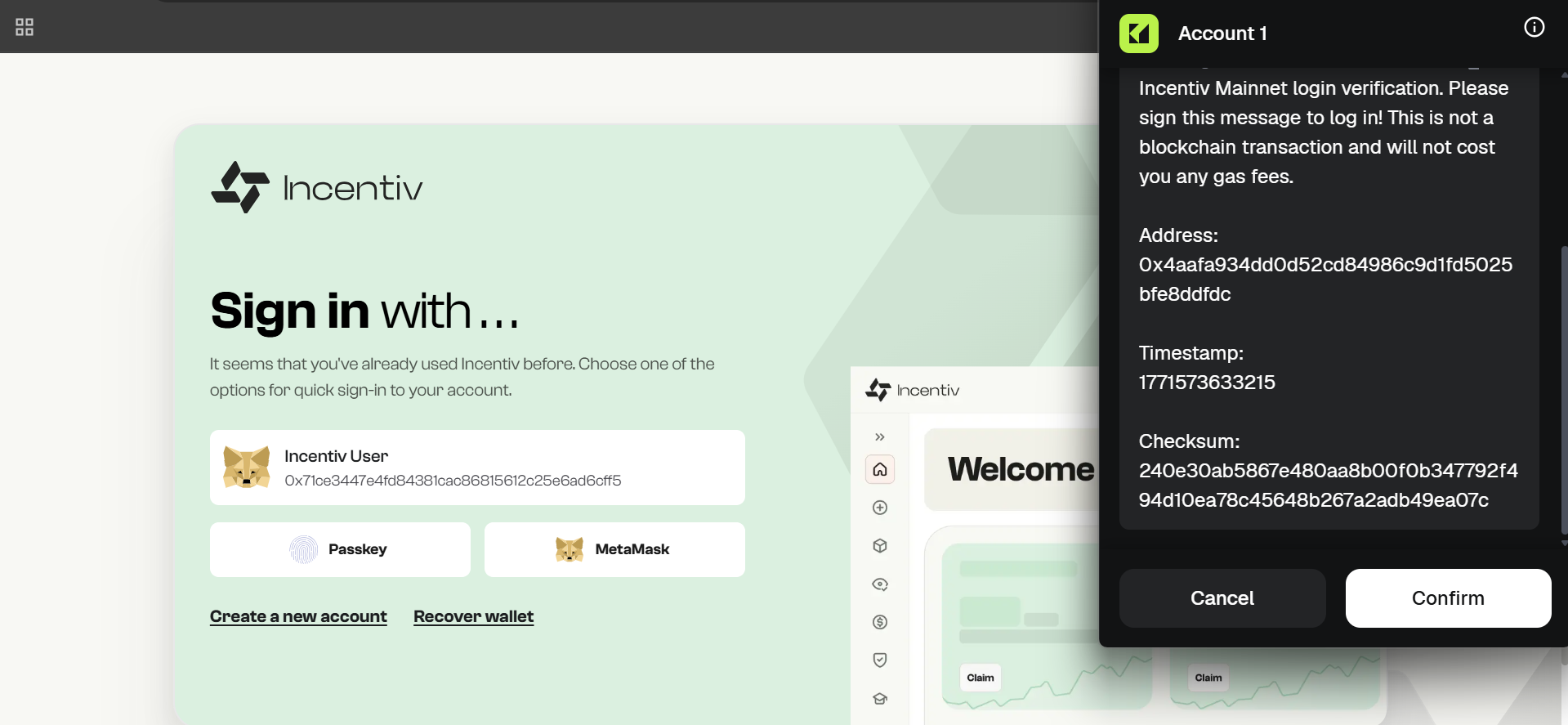
Step 1: Select Passkey
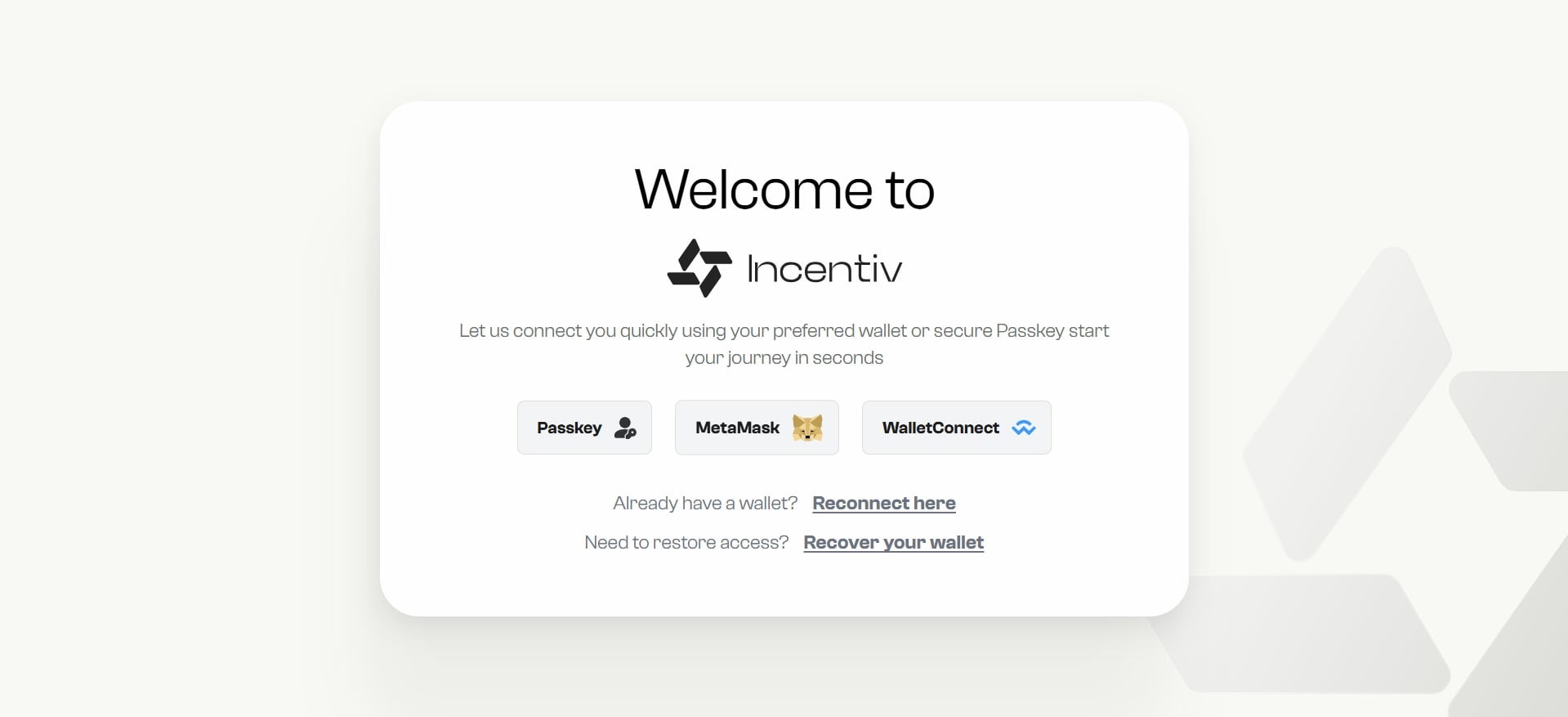
On the welcome screen, choose Passkey as your preferred method to create or access your Incentiv Smart Wallet.This option lets you set up a secure, passwordless wallet tied to your device’s biometric authentication.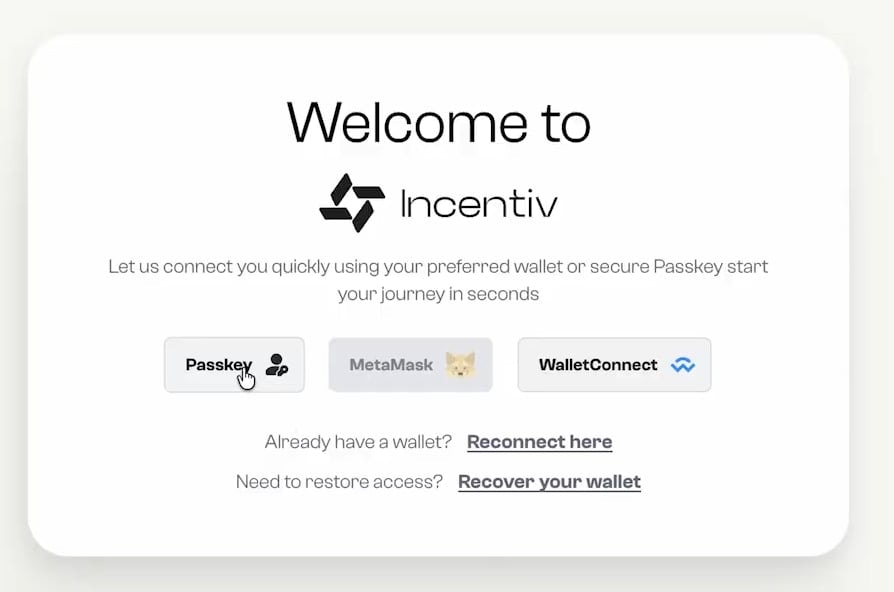
2
Step 2: Choose a Name
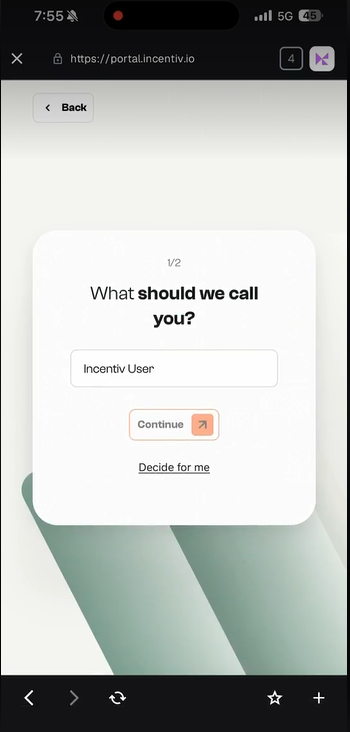
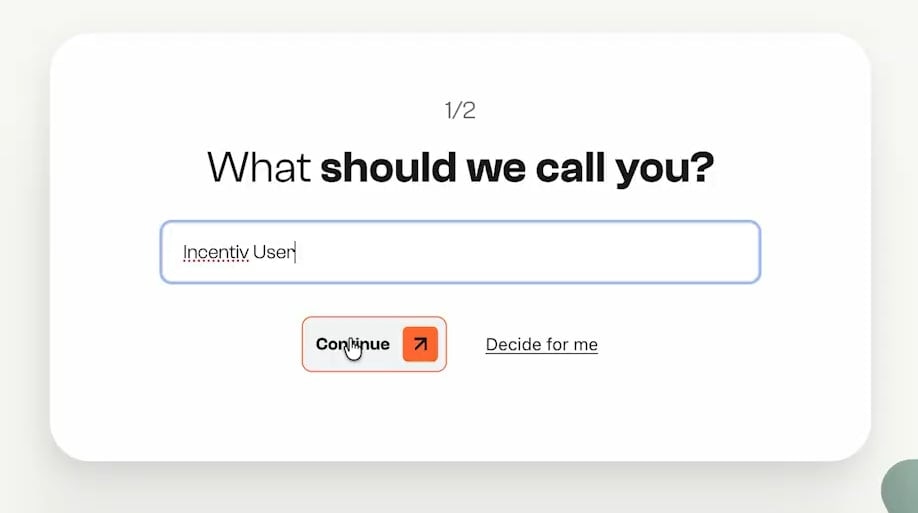
- Next, you will be asked how we should call you.
- Enter your preferred display name, or click “Decide for me” to generate one automatically.
-
Once ready, click Continue to proceed.
3
Step 3: Verify with Biometrics
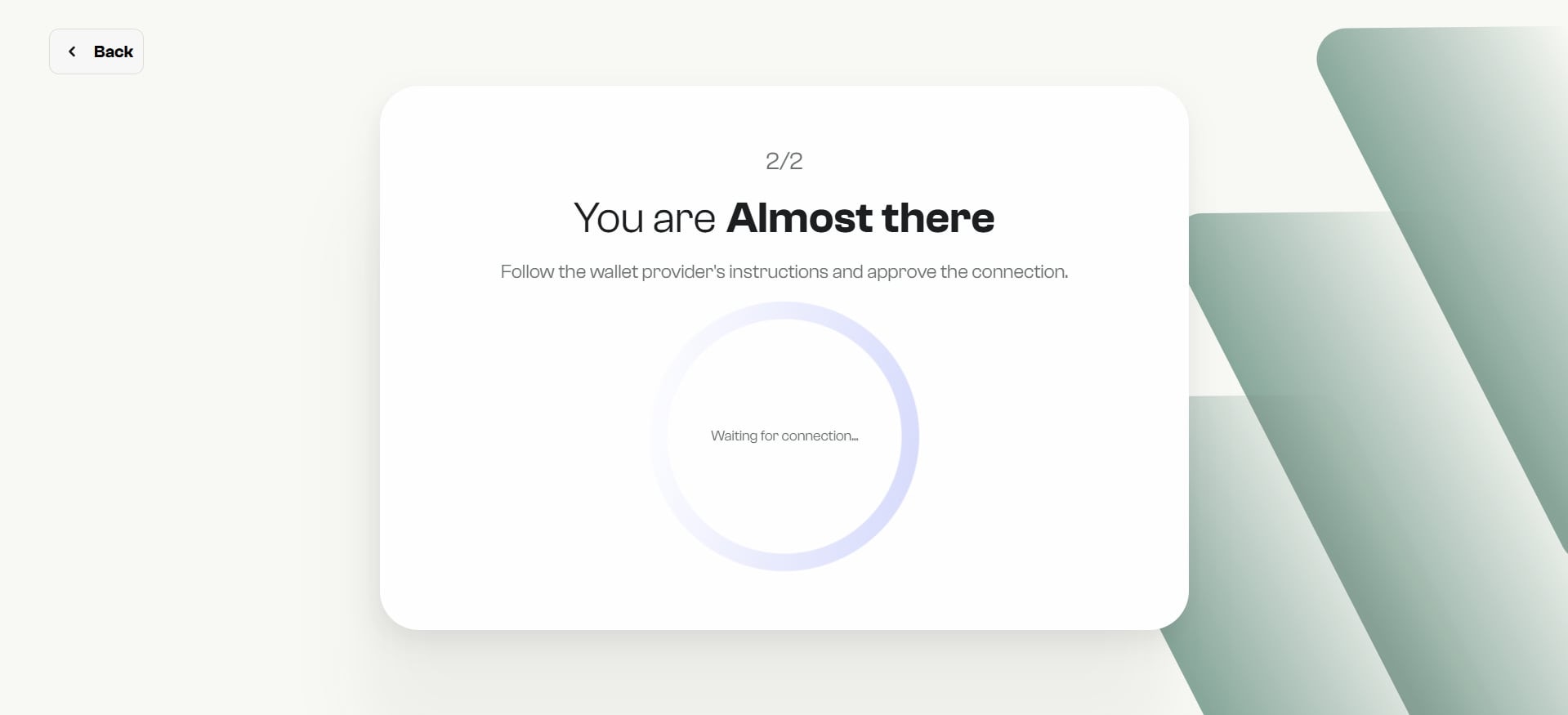
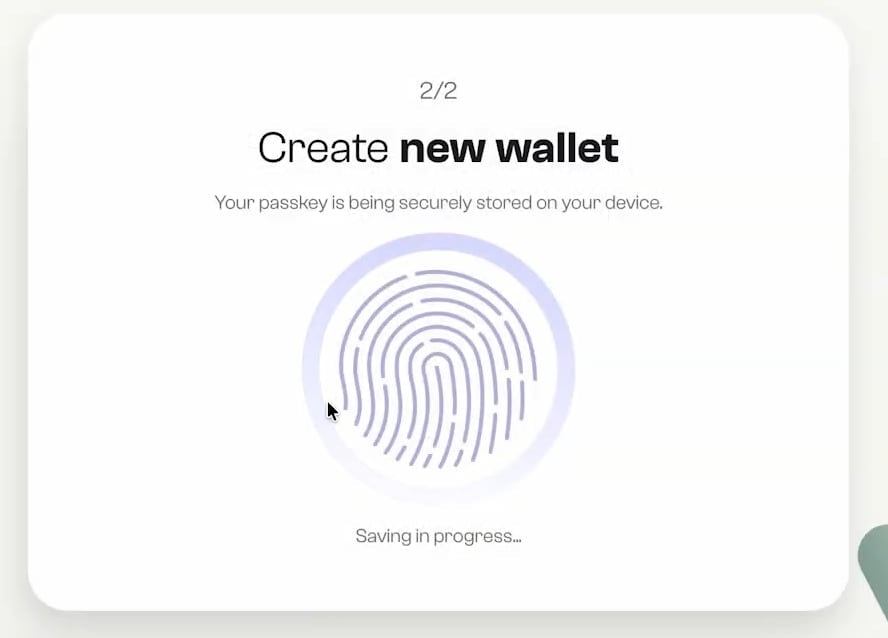
- You will be prompted to create your wallet using your device’s biometric authentication or PIN.
- Tap “Verify my ID” and confirm using Face ID, Touch ID, or your system’s secure method.
-
Your wallet will be instantly generated and safely stored under your passkey credentials.
4
Step 4: You're All Set
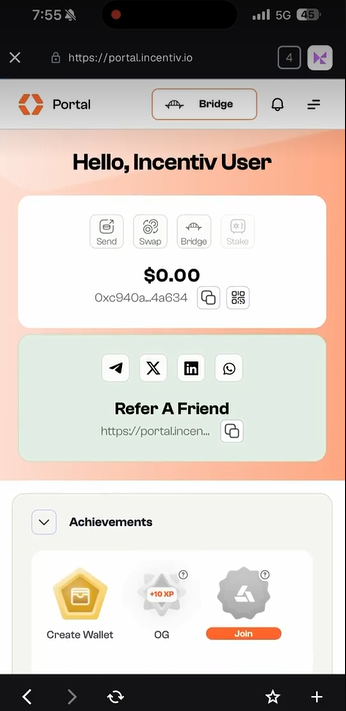
Your Incentiv Smart Wallet is now active and securely bound to your device.You can use it to access Incentiv, participate in activities, and claim rewards with one click.
Mobile Set-up
1
Step 1: Open the Portal
- Open your mobile browser.
- Go to portal.incentiv.io.
- On the welcome screen, select Passkey.
2
Step 2: Choose a Name
- Enter your preferred display name.
- Or tap Decide for me to auto-generate one.
- Tap Continue.
3
Step 3: Verify with Biometrics
- Tap Verify my ID.
- Confirm using Face ID, Fingerprint, or your device PIN.
- Your Smart Wallet will be created instantly.
4
Step 4: You're All Set
- Your Incentiv Smart Wallet is now active and securely tied to your device.
- You can now participate in activities and earn rewards with one tap.