

Badge Tiers
Each successful swap earns you Bonus XP and progresses your Swap Badge Tier. The more swaps you complete, the higher your tier and rewards.XP is automatically credited after transaction confirmation.
1
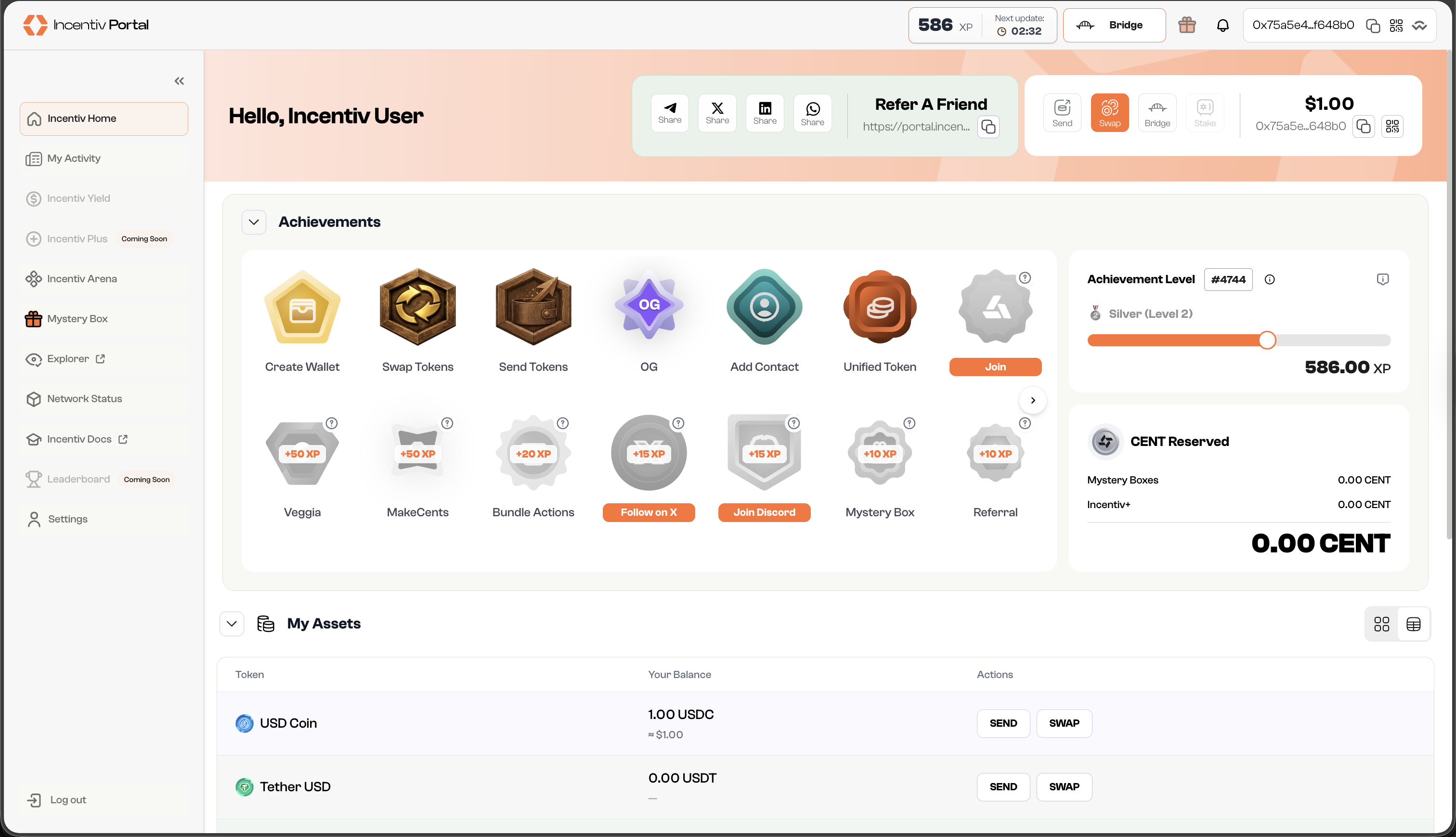
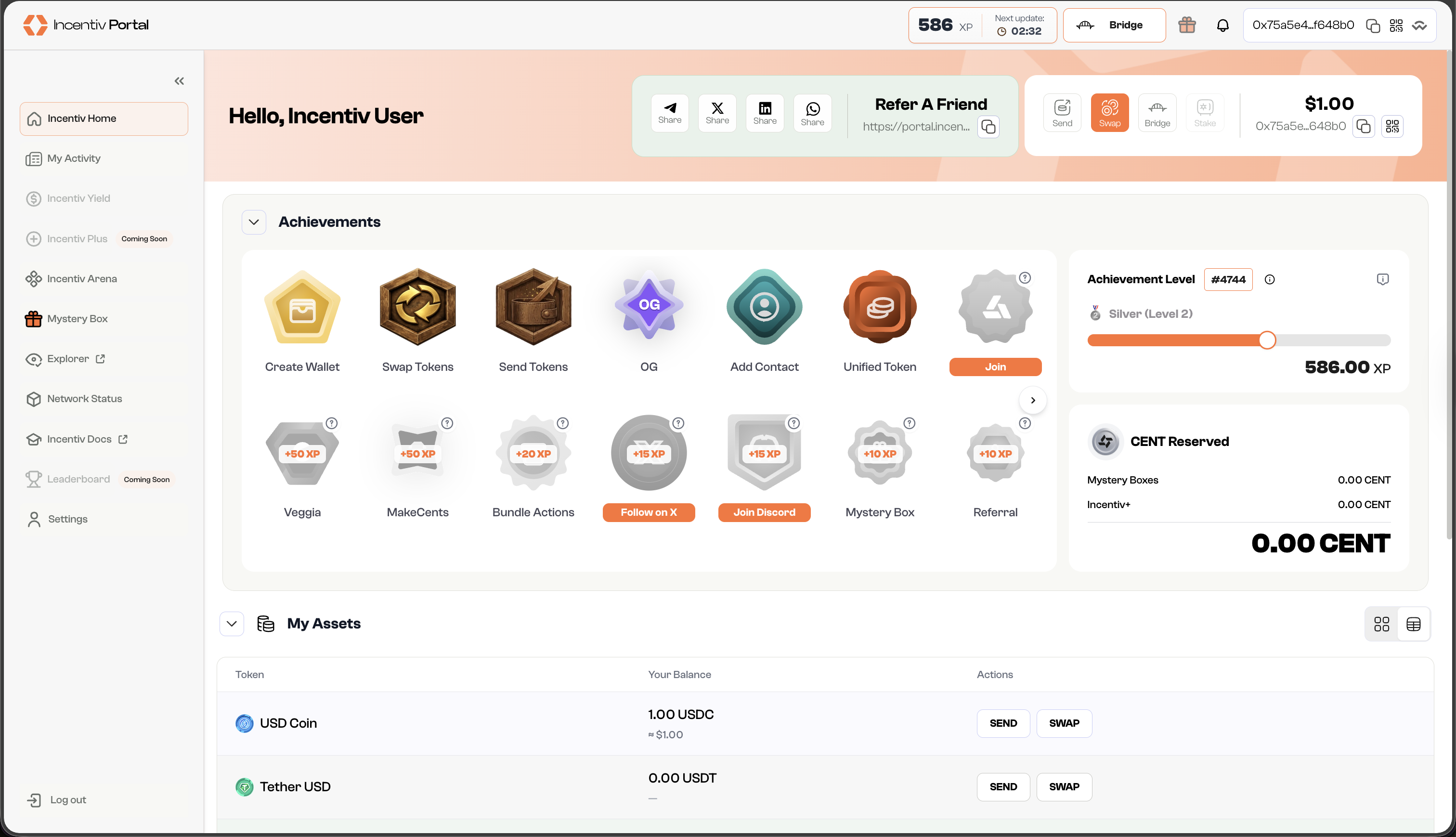
Step 1: Navigate and click the Swap button
- In the panel beside your nickname, or the pop-up widget, you can find action buttons.
- Click “Swap” to manage the action.
2
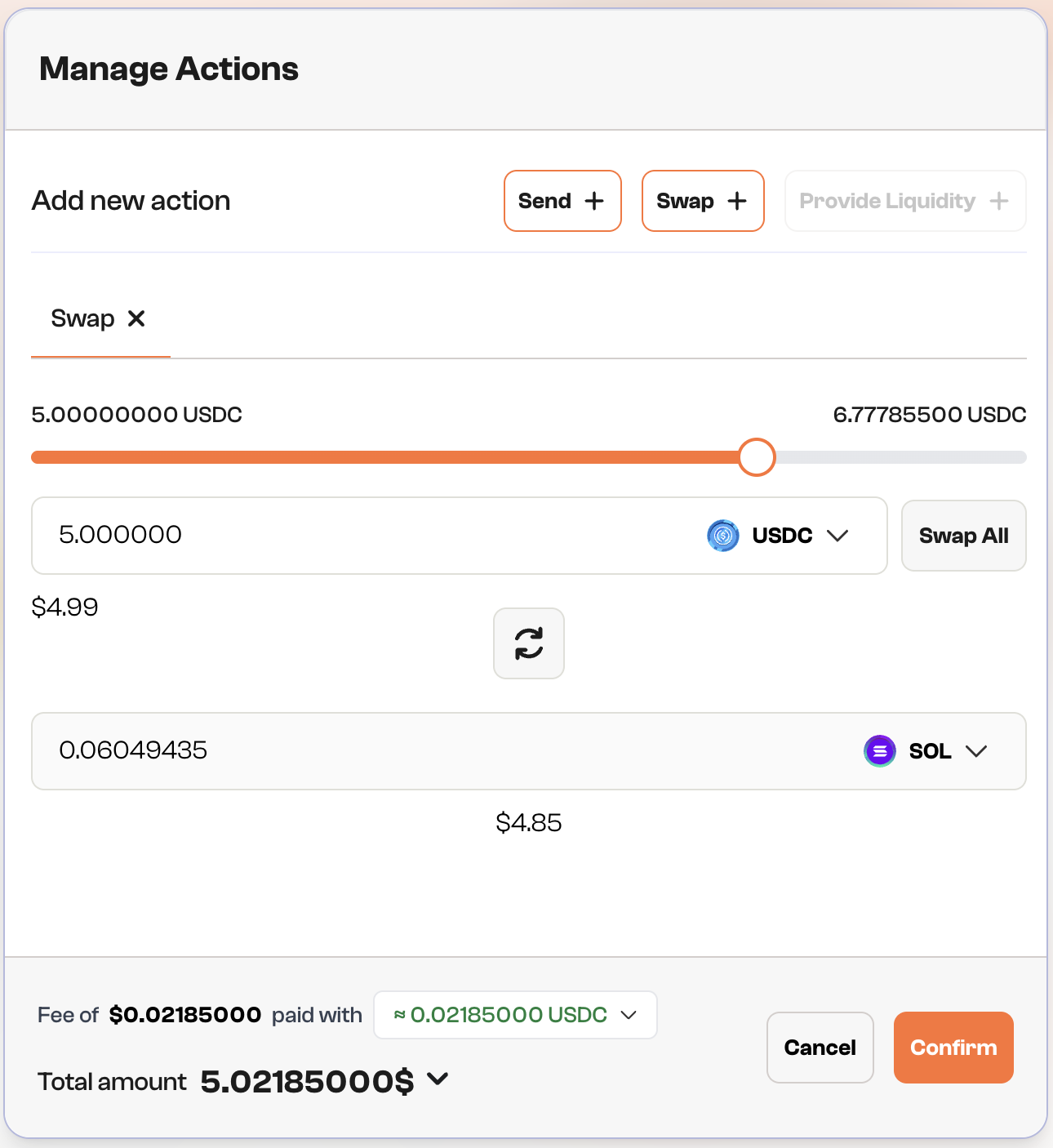
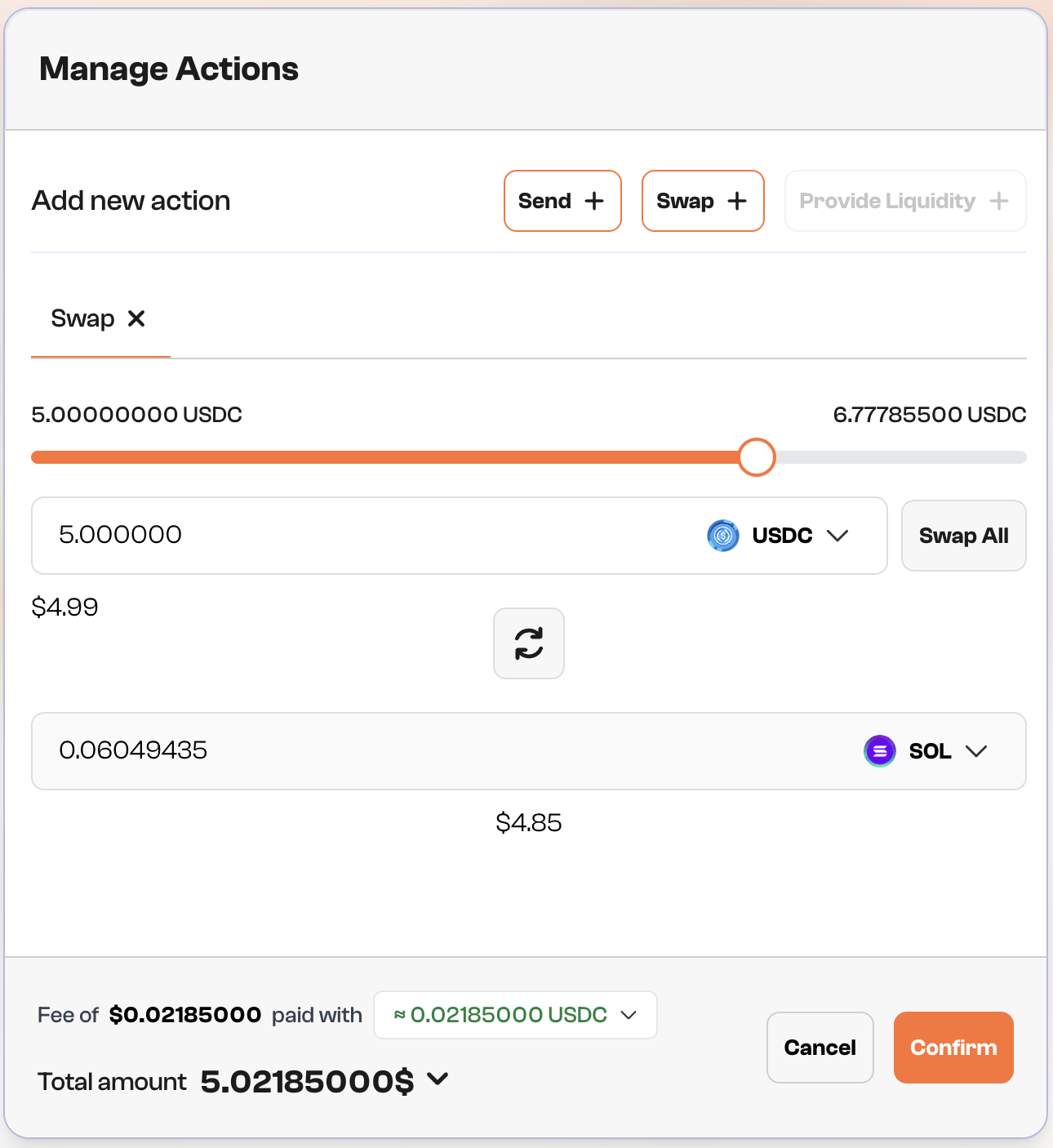
Step 2: Choose the token
- Select which token you want to swap into and specify the amount of tokens.
- You can use the 🔄 button if you want to switch between the origin token and the target token.
3
Step 3: Overview & Confirm
- Review the transaction details, including the amount and gas fees.
- Click “Confirm” to initiate the transaction.
4
Step 4: Validation
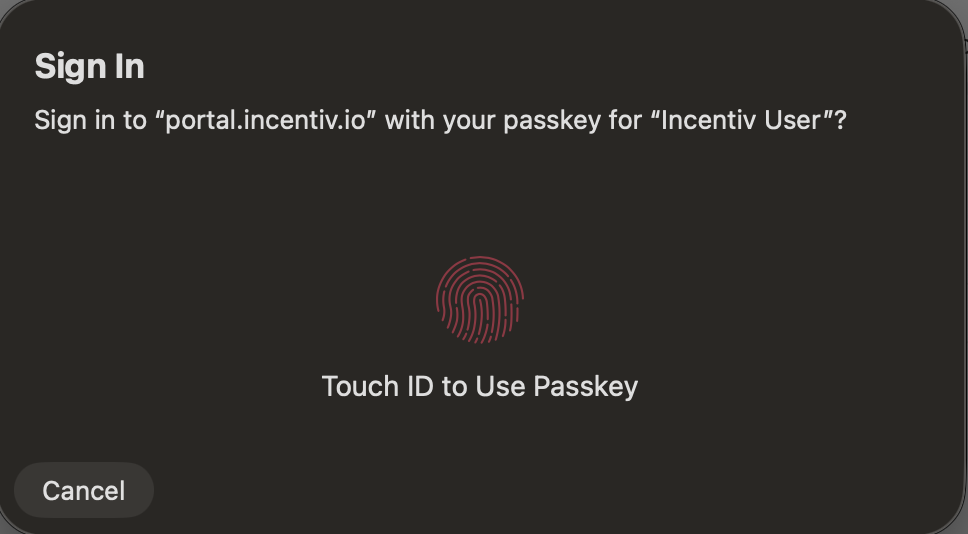
- A prompt will appear, asking you to verify your identity using biometric authentication (e.g., Touch ID or PIN).
- Use your fingerprint/facial recognition or PIN to confirm the transaction.
- You can select “Use a different passkey” or “Cancel” to abort the transaction.
5
Step 5: Transaction Confirmation
- Once the transaction is confirmed, you’ll receive a notification.
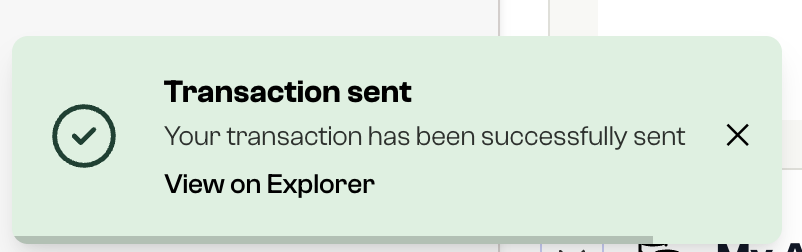
- The dashboard will reflect the updated balance of your swapped token, and the transaction will appear in your transaction history.
- After a successful swap, you’ll earn a badge. The more swaps you complete, the higher your badge tier.