How to Claim Testnet Tokens:
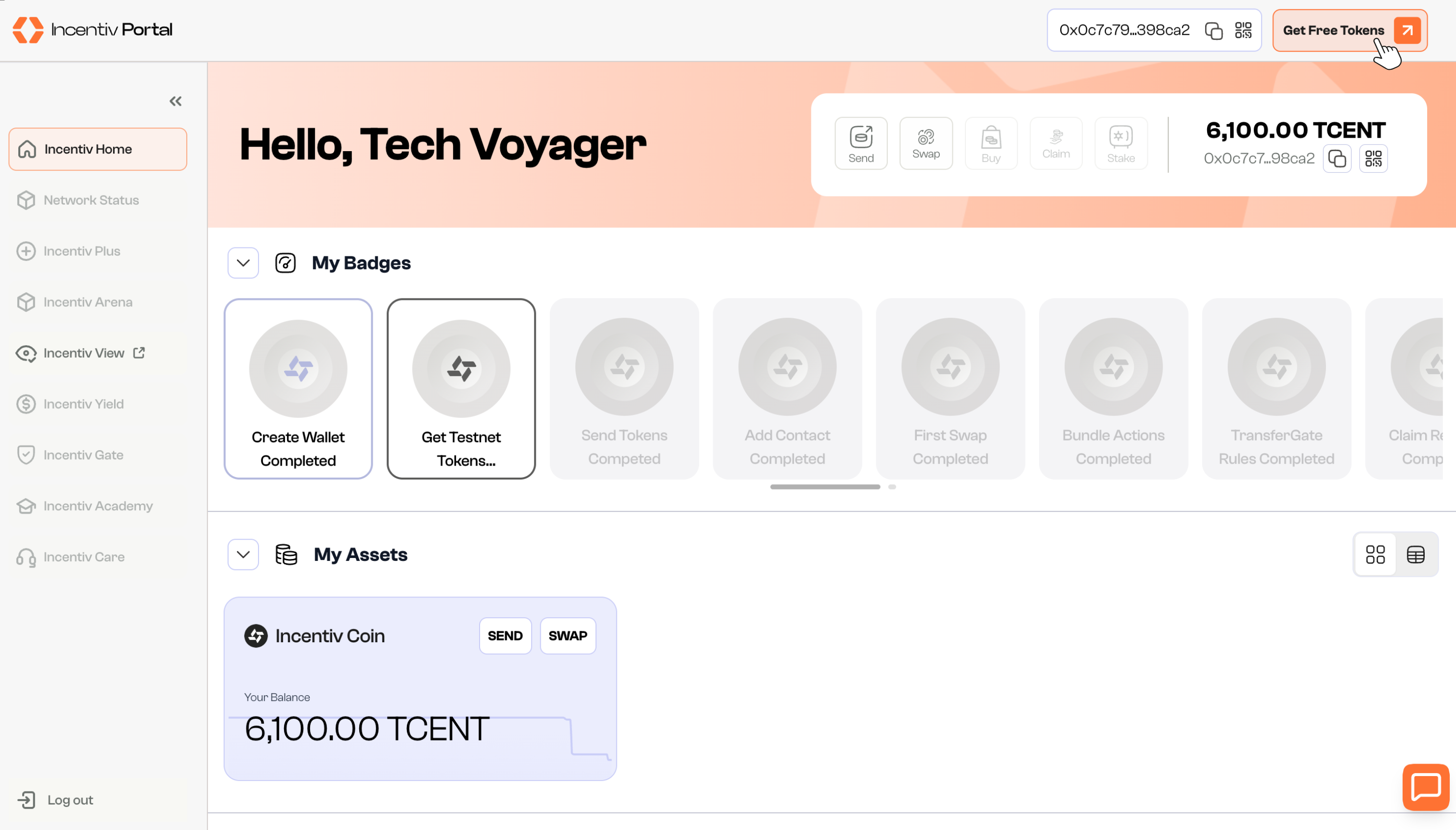
- Go to the Incentiv Portal
Open the Incentiv Portal and connect your wallet if you haven’t already. - Click “Get Free Tokens”
In the top-right corner of the screen, you’ll see a button labeled “Get Free Tokens.”
Click this to initiate the claim process.
Checking Balance
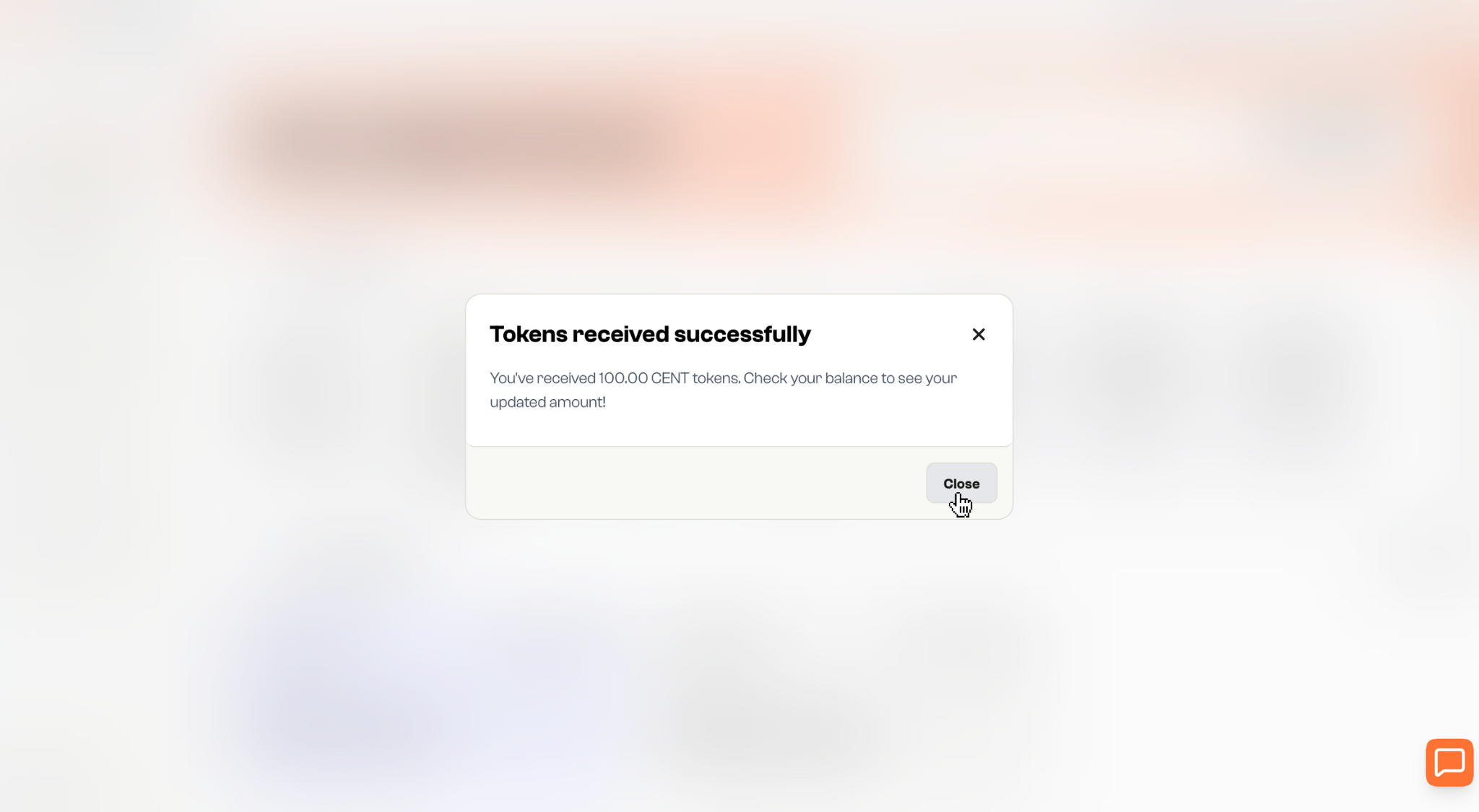
A confirmation will appear, showing you’ve successfully received 100.00 TCENT tokens.Click “Close” or the “X” to exit the popup. You can now view your updated TCENT balance in your wallet or dashboard.
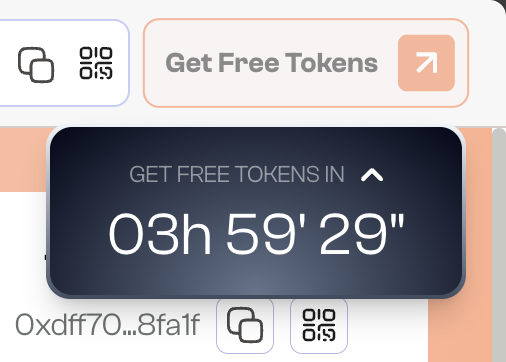
How to Get More Testnet Tokens?
You can claim 100 Testnet Tokens every 4 hours. Once your cooldown is complete, return to the Incentiv Portal and click “Get Free Tokens” to receive your next batch. The 4-hour timer starts from the time of each claim.