Documentation Index
Fetch the complete documentation index at: https://docs.incentiv.io/llms.txt
Use this file to discover all available pages before exploring further.
The Social Badge rewards users for connecting with Incentiv’s official social channels. Earn these badges by interacting with Incentiv on X and/or Discord and verifying your action through account connection. Each badge can be earned independently.
X Connected Badge
Discord Connected Badge
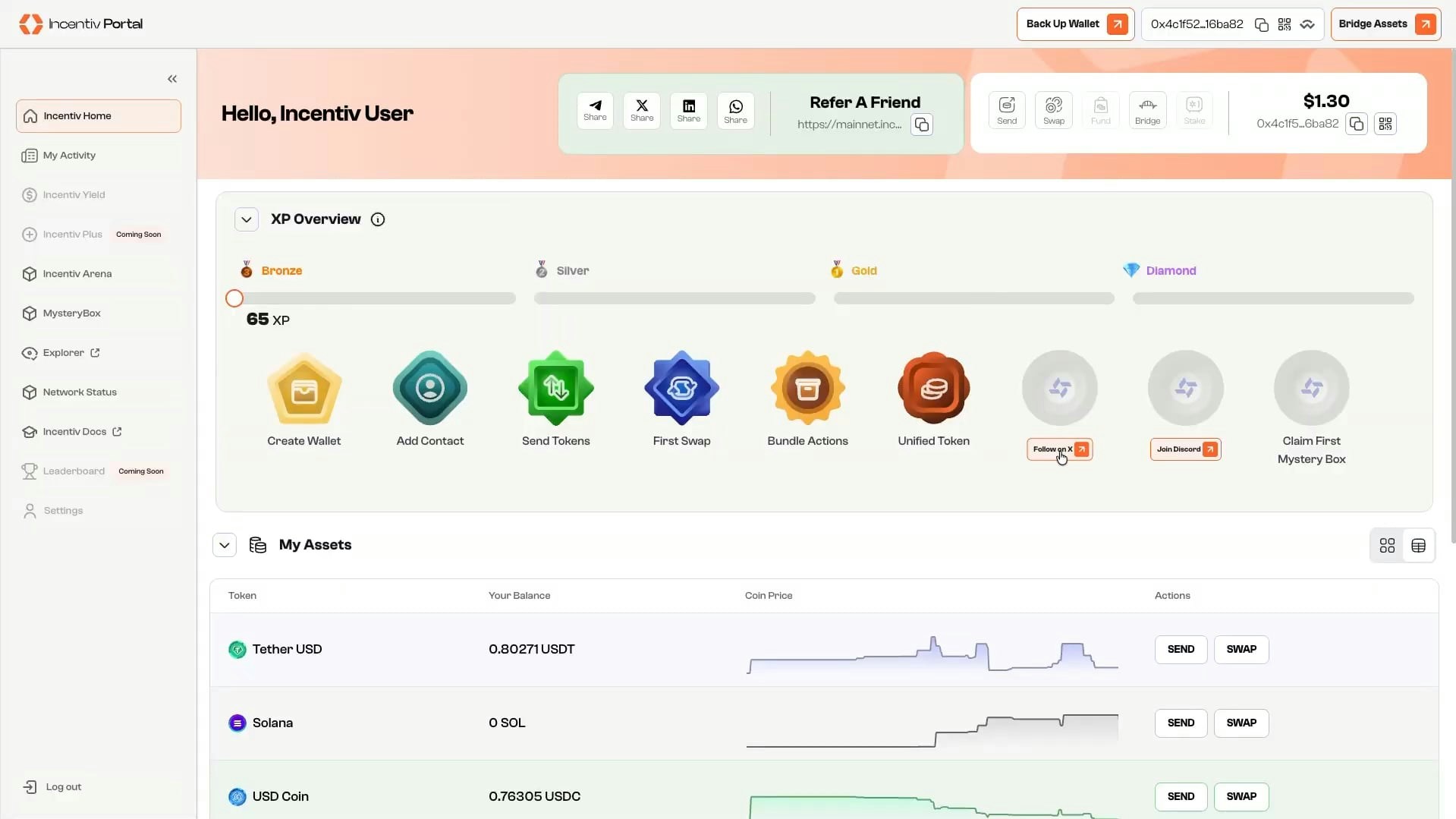
Step 1: Click Follow on X in the Badge Section
-
Click the button below the locked X Connected Badge.
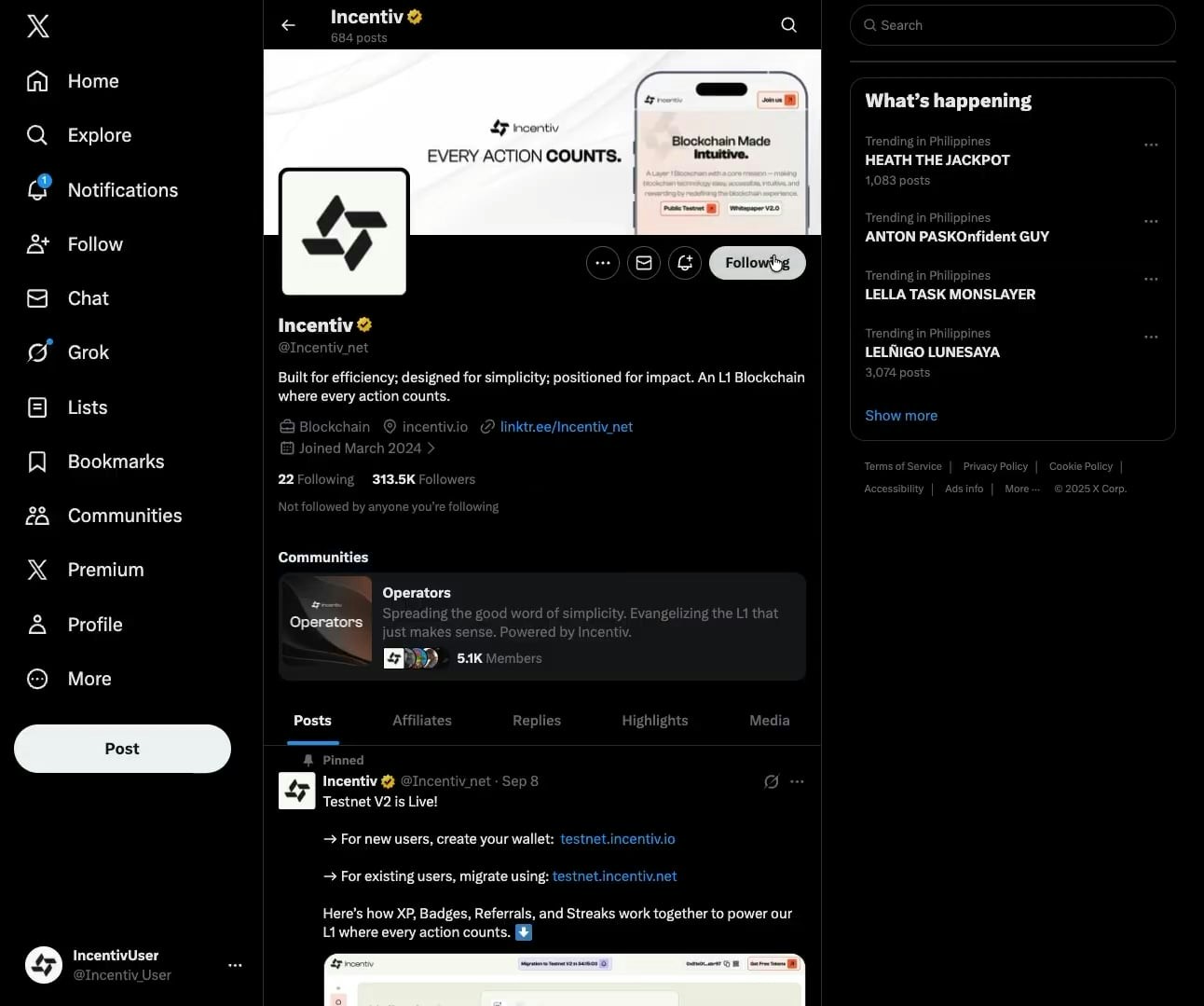
Step 2: Click Connect and Follow @Incentiv_Net on X
-
Once you click the Connect button you will be redirected to X to follow the account.
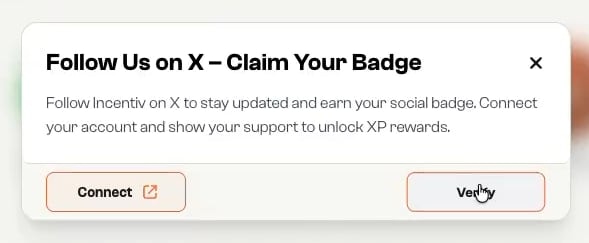
Step 3: Go Back to the Portal and Click Verify
-
Return to the portal to verify the completed action.
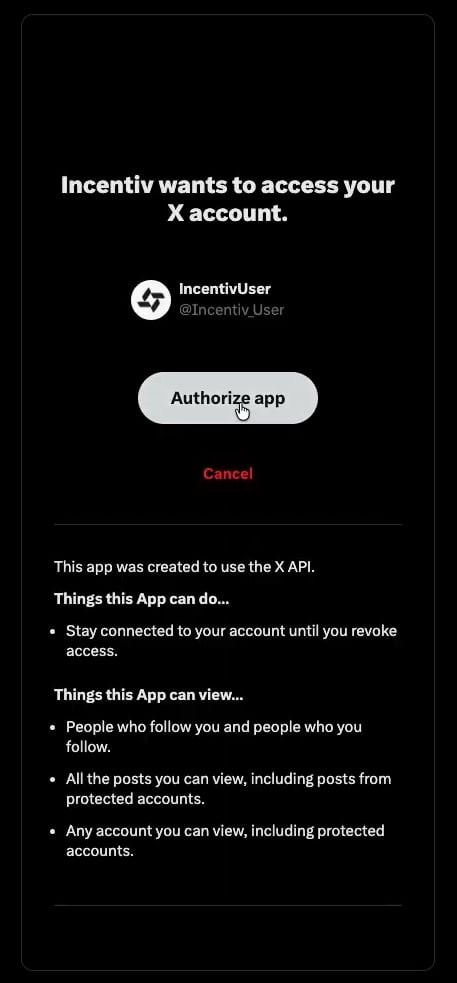
Step 4: Authorize Incentiv Portal on X
-
Approve the authorization request to complete verification.
Step 5: You've Successfully Connected your X on Incentiv
-
Once verified, the X Connected Badge is unlocked and awarded to you.
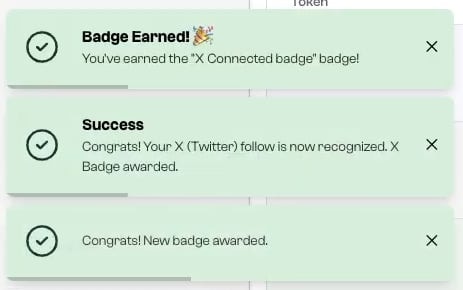
Video Tutorial: Social X
Step 1: Click Join Discord in the Badge Section
-
Click the button below the locked Discord Connected Badge.
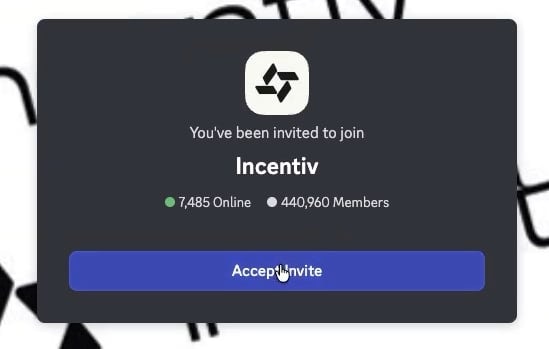
Step 2: Click Login and Join discord.gg/incentiv
-
You will be redirected to the Discord app to join the Incentiv server.
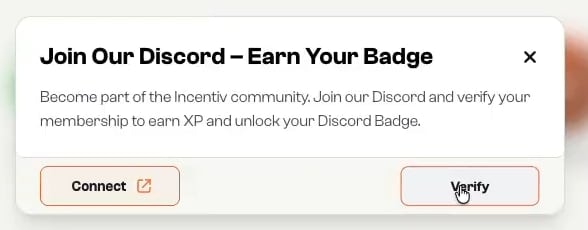
Step 3: Go Back to the Portal and Click Verify
-
Connect your Discord account in the portal to verify your membership.
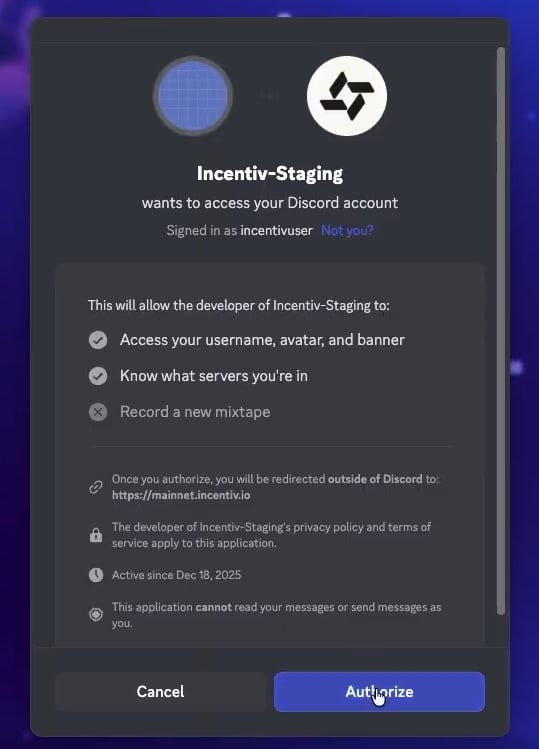
Step 4: Authorize Incentiv Portal on Discord
-
Approve the authorization request to complete verification.
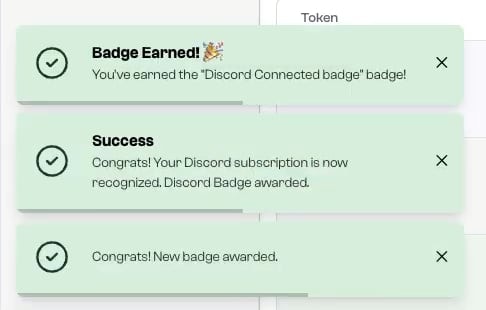
Step 5: You’ve Successfully Connected Your Discord on Incentiv
-
Once verified, the Discord Connected Badge is unlocked and awarded to you.
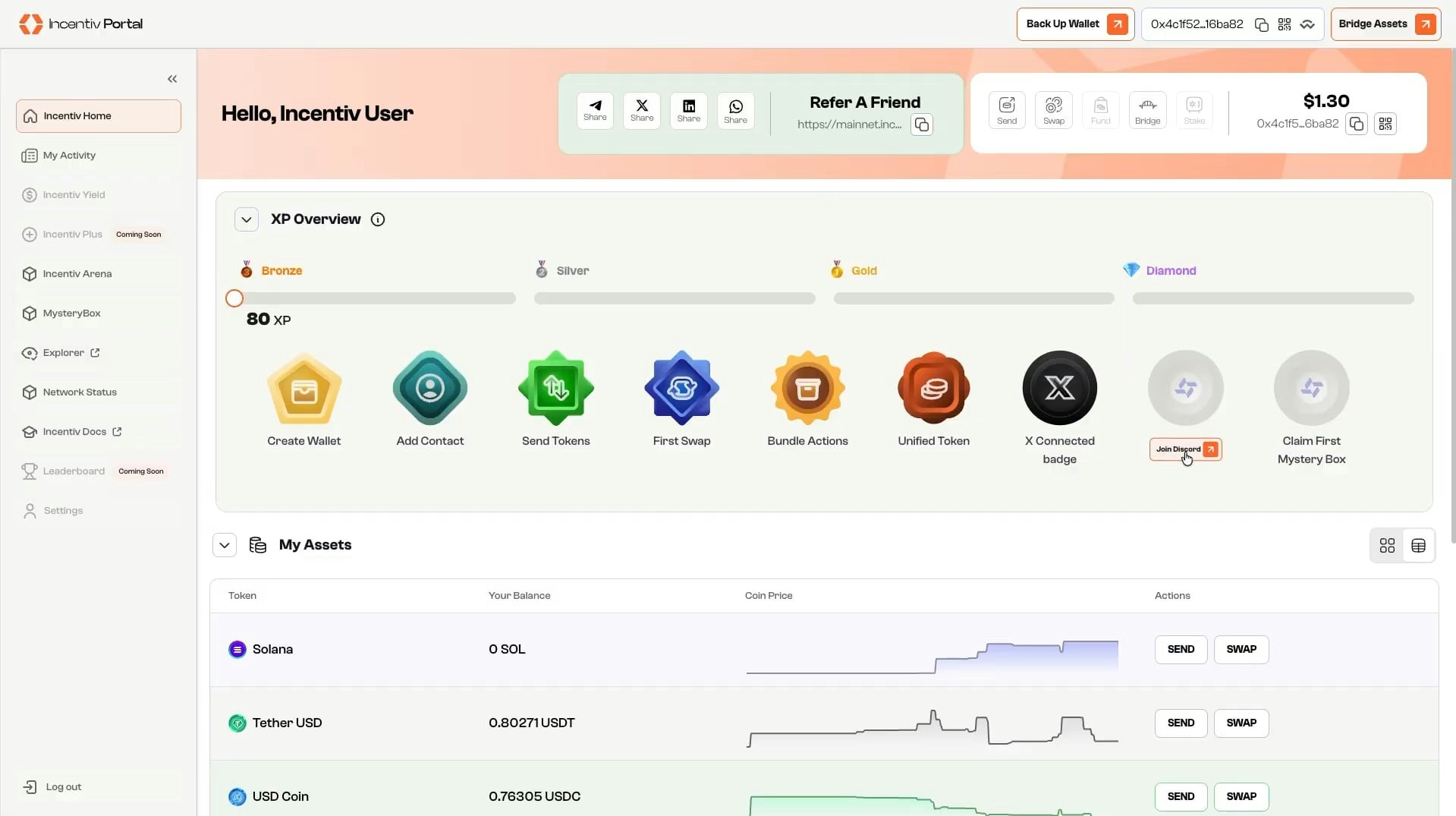
Video Tutorial: Social Discord