> ## Documentation Index
> Fetch the complete documentation index at: https://docs.incentiv.io/llms.txt
> Use this file to discover all available pages before exploring further.
# Swap Tokens
Token swaps on Incentiv are executed through **smart wallets** using **Account Abstraction**. This enables seamless, gas-optimized trades directly within the Incentiv Portal. Swaps are securely routed and bundled via the alt mempool, ensuring efficient execution and confirmation on-chain.
## Badge Tiers
Each successful swap earns you **Bonus XP** and progresses your **Swap Badge Tier**. The more swaps you complete, the higher your tier and rewards.
| Tier | Name | Requirement | Bonus XP |
| ---- | ------- | ----------- | -------- |
| T1 | Wood | 1 swap | 3 XP |
| T2 | Stone | 25 swaps | 75 XP |
| T3 | Bronze | 75 swaps | 225 XP |
| T4 | Silver | 250 swaps | 750 XP |
| T5 | Gold | 750 swaps | 2,250 XP |
| T6 | Diamond | 1500 swaps | 5,000 XP |
XP is automatically credited after transaction confirmation.
Token swaps are executed through the built-in **Incentiv DEX**. Users can seamlessly exchange supported assets within the portal, with all transactions handled via smart wallets for security and gas efficiency.
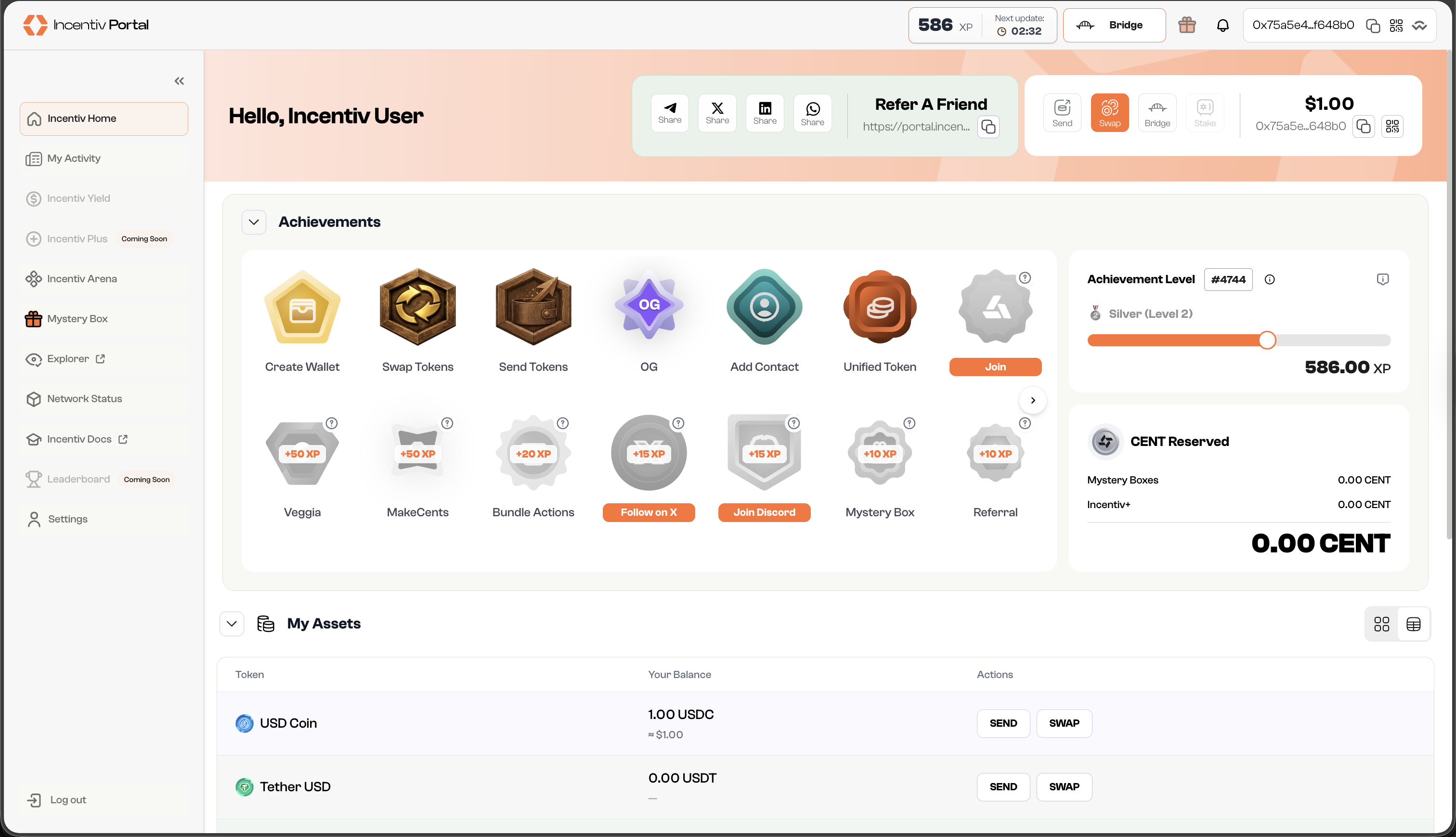
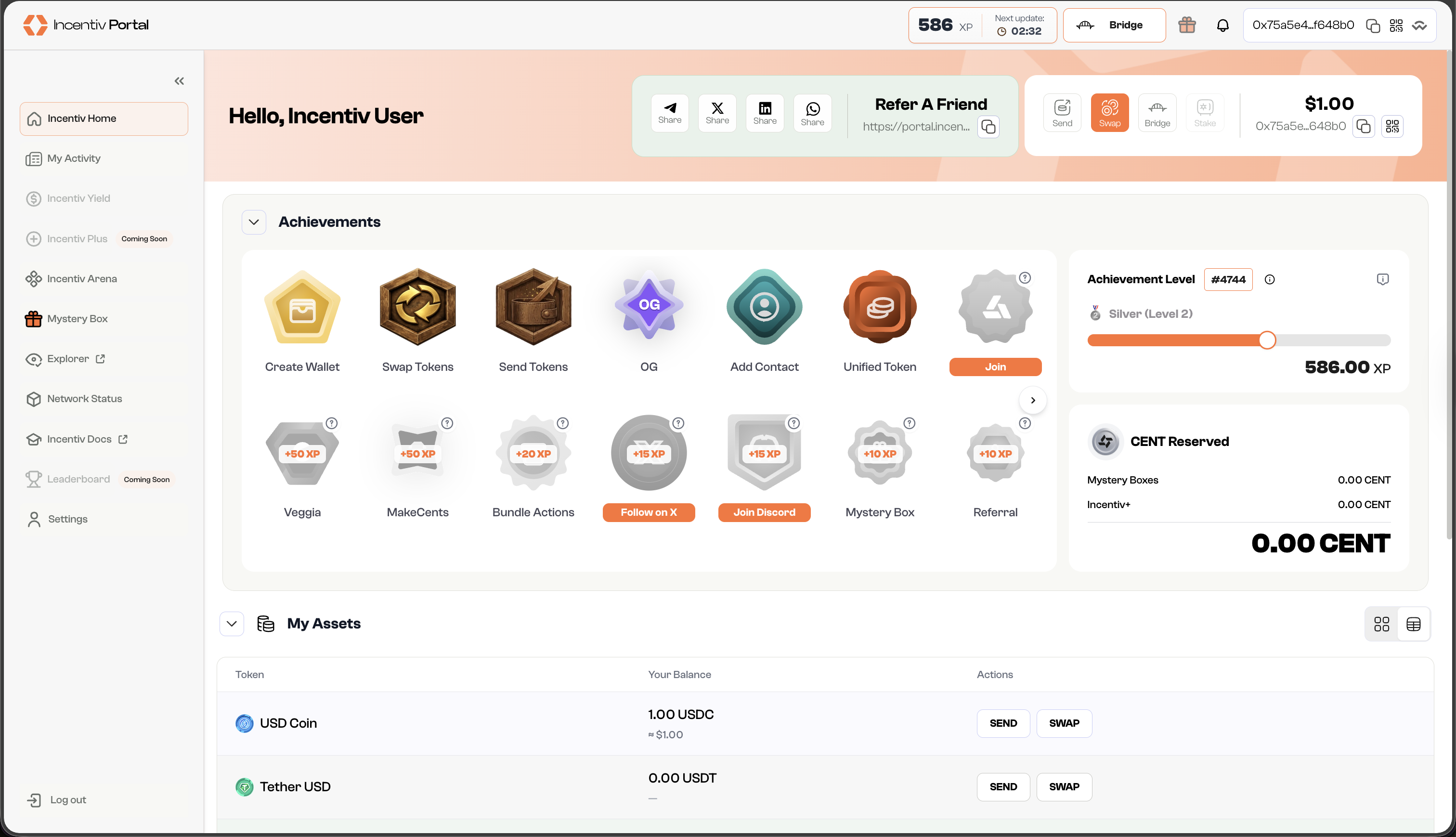
* In the panel beside your nickname, or the pop-up widget, you can find action buttons.
* Click **“Swap”** to manage the action.
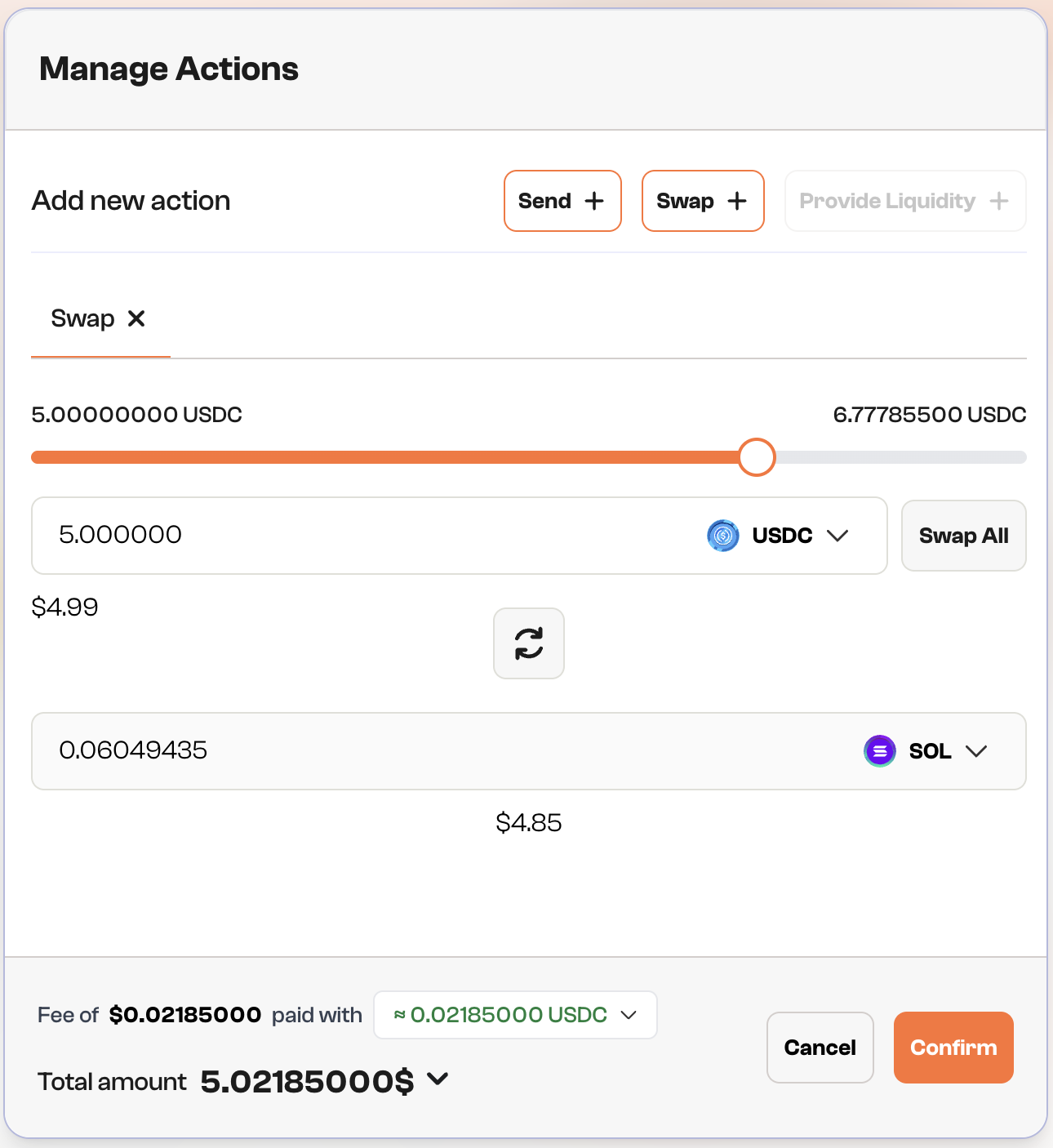
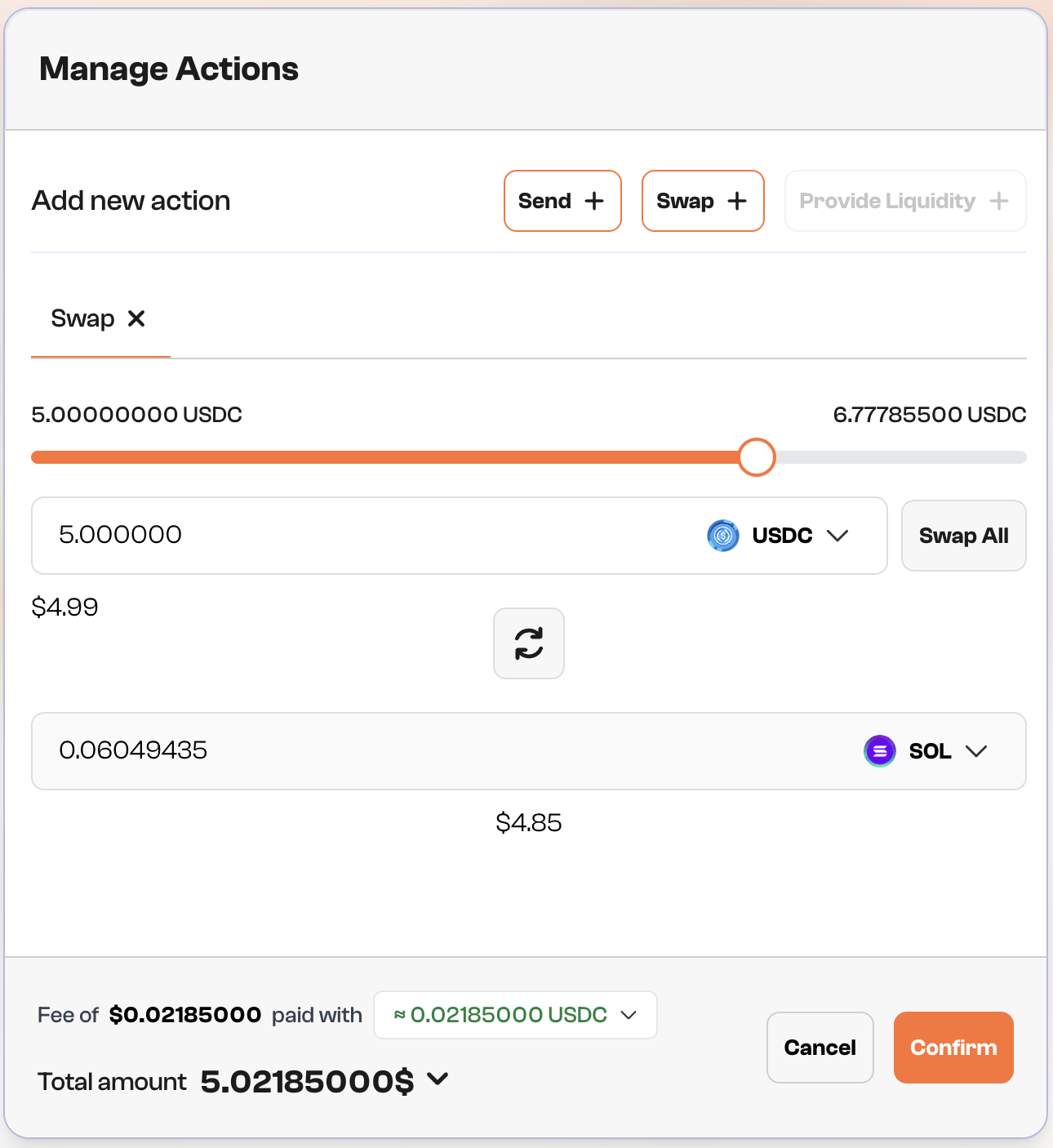
* Select which token you want to swap into and specify the amount of tokens.
* You can use the 🔄 button if you want to switch between the origin token and the target token.
* Review the transaction details, including the amount and gas fees.
* Click **“Confirm”** to initiate the transaction.
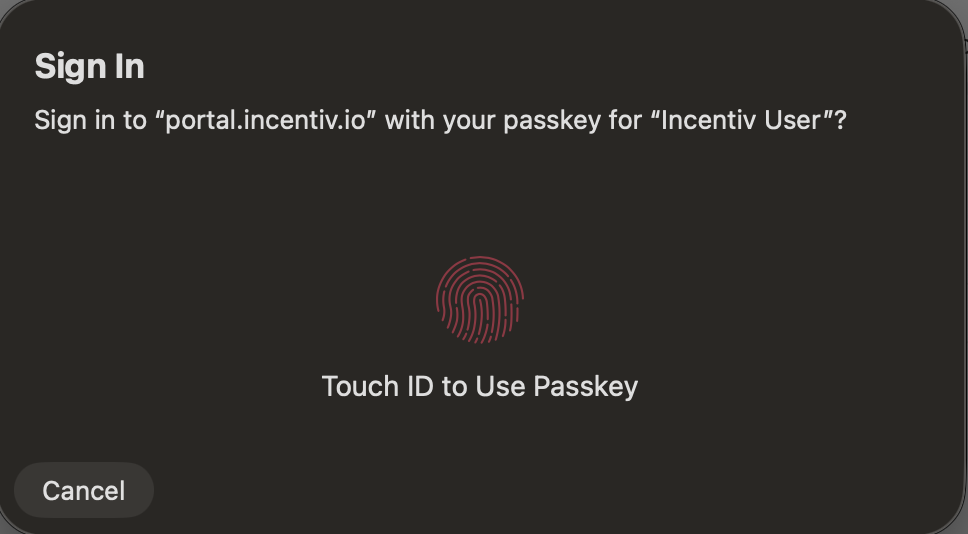
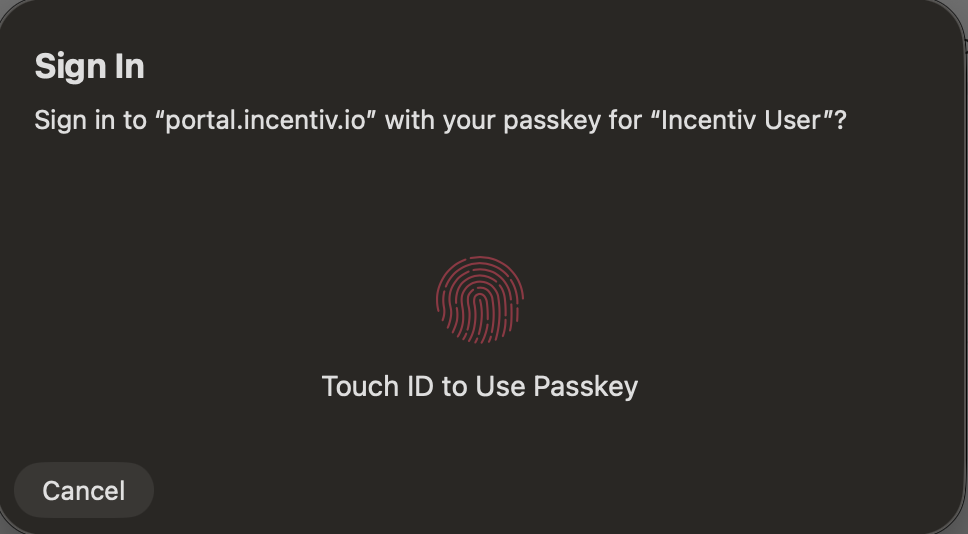
* A prompt will appear, asking you to verify your identity using biometric authentication (e.g., Touch ID or PIN).
* Use your fingerprint/facial recognition or PIN to confirm the transaction.
* You can select **"Use a different passkey"** or **"Cancel"** to abort the transaction.
**Step 4: Validation (Wallet Extension)**
A prompt will appear from your registered external wallet extension (Metamask or Wallet Connect) to verify the transaction
Check the details and sign the transaction from the extension
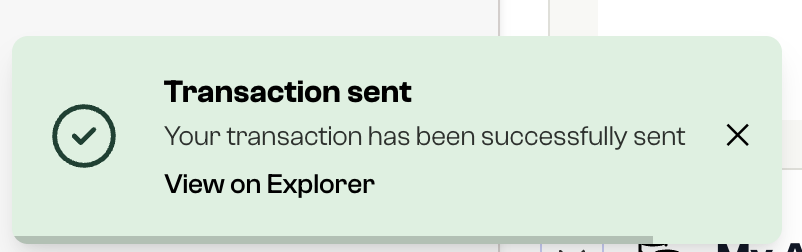
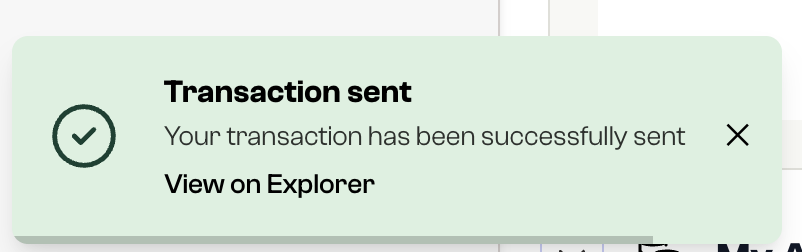
* Once the transaction is confirmed, you’ll receive a notification.
* The dashboard will reflect the updated balance of your swapped token, and the transaction will appear in your transaction history.
* After a successful swap, you’ll earn a badge. The more swaps you complete, the higher your badge tier.
>
> Congratulations, you earned a Badge for achieving your first swap on Incentiv!
>
# Video Tutorial: Swap Tokens
Note: the video shown is from Mainnet V1, but the process are similar.
 **Step 4: Validation (Wallet Extension)**
A prompt will appear from your registered external wallet extension (Metamask or Wallet Connect) to verify the transaction
Check the details and sign the transaction from the extension
**Step 4: Validation (Wallet Extension)**
A prompt will appear from your registered external wallet extension (Metamask or Wallet Connect) to verify the transaction
Check the details and sign the transaction from the extension
 * The dashboard will reflect the updated balance of your swapped token, and the transaction will appear in your transaction history.
* After a successful swap, you’ll earn a badge. The more swaps you complete, the higher your badge tier.
* The dashboard will reflect the updated balance of your swapped token, and the transaction will appear in your transaction history.
* After a successful swap, you’ll earn a badge. The more swaps you complete, the higher your badge tier.